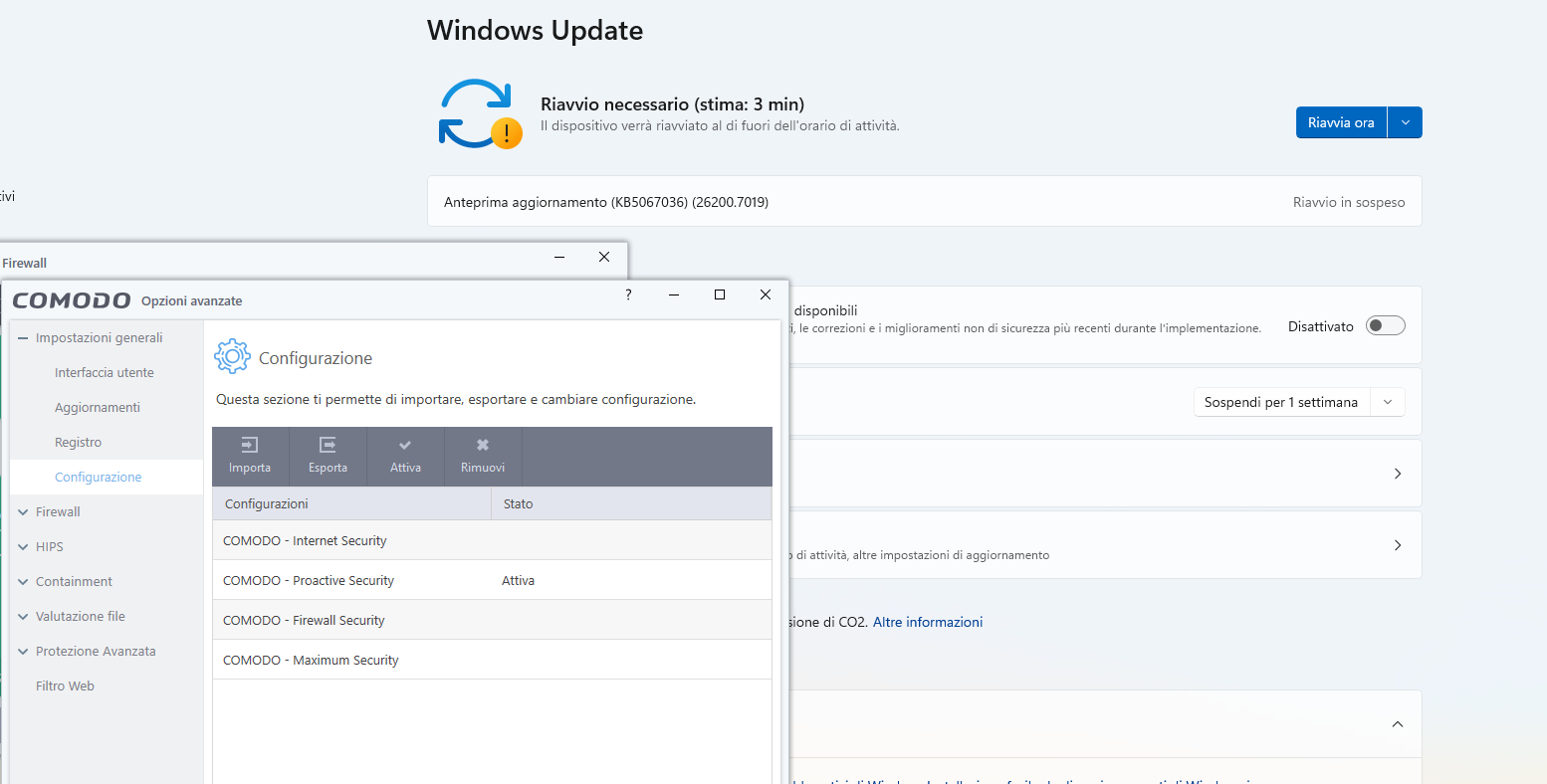
Yes but here we are talking about an issue of COMODO and updates on a standard account.
From windows 24H2, if you have COMODO and you are using a standard user account, windows updates are not working
Yes but here we are talking about an issue of COMODO and updates on a standard account.
From windows 24H2, if you have COMODO and you are using a standard user account, windows updates are not working
@C.O.M.O.D.O_RT Are there any news on the testing on non-admin accounts? Did you identify the Windows Update issue there?
Hi TheMalwareMaster,
The team is working on it.
Thanks
C.O.M.O.D.O RT
You repeat the same words for many, many months “The team is working on it”… Now it is clear to me that no one works on this problem! All your words here are just an unsubscription, so that the complains to shut up for a while. You should be ashamed! But for some reason I am ashamed for you …
In the best case, you have only the most incompetent programmers in the world! Otherwise, for so many months, even a schoolboy would have coped with such a simple problem, having CIS sources in his hands!
Please no attacks on them, this is not the right way to get things done.
By discussing with him, I understood they have probably tested on an admin account and they have not found the issue, because this only occurs on non-admin (standard user account).
So please, test the issue on a non-admin account
@C.O.M.O.D.O_RT any update on the matter? I am really looking forward for the bug to be fixed now that we know that it affects only non-admin accounts
Hi TheMalwareMaster,
Sorry for the inconvenience.
The team is working on it.
We will keep you posted as soon as it fixed.
Thanks
C.O.M.O.D.O RT
Still here sitting after 7 month with no solution…
@C.O.M.O.D.O_RT can you specify whether the current status is 1 or 2?
1: The developers have tested and the Windows Update issue on standard accounts WAS NOT identified
After updating in-place to Windows 11 25H2, I can confirm the Windows update problem has been solved in both my systems.
If you have the same issue, I suggest you to update Windows to 25H2.
I will update this thread in case the Windows Update issue comes back
You didn’t respond to my question here.
It seems that CIS was not involved, just as I was suspecting.
In order to update Windows each time, I had to remove COMODO.
I use a regular Microsoft ISO from the website.
CIS WAS indeed involved
I finally found out and hope the whole issue is over…
My config was the issue, can’t really believe it. The update went through with the default proactive config. I did not make strange modifications though, it’s just Cruelsister config with “block” instead of “run virtually”
List of settings that I modified from the proactive config:
Turned off alerts and beeps apart from “notification messages”
Firewall: “do not show popup alerts” and set to block, turned off trustconnect
HIPS off
Containment: unchecked “do not virtualize access”, set “do not show elevation alerts” to “block”
Auto-containment: set all 4 default to “block and quarantine”
File evaluation: I set COMODO to block and terminate malware detected from cloud scan automatically
Virusscope: set to process malware without showing alerts
I will try to find the exact issue with the delta from my config with respect to the default proactive one and will le you know
I repost here another test done by another user on MalwareTips forum: https://malwaretips.com/threads/comodo-blocks-windows-updates-with-error-0x80070005.138187/post-1153113
This is interesting.
Did you ever attempt to use my EXACT SETTINGS (absolutely NO changes) for Comodo Firewall (NOT CIS) and see if this persists for you?
I’ll test that at the next update, but I believe the issue is the HIPS OFF (It sounds incredible but it may be).
Andy ful tested that on MalwareTips and when he had HIPS off updates were failing.
I guess it’s not due to the containment set to “block” because otherwise I would have had a blocking notification in COMODO
Last update was successful. I configured COMODO manually with HIPS on and my config.
Congratulations!
My settings are also based on Cruel Sisters’ suggestions + my own rules + HIPS is also enabled, and there are no problems either. Everything runs perfectly.
For decades, not a single hidden break-in by cybercriminals. But with the advent of AI and increasingly sophisticated methods, I’m unfortunately very easily unsettled, even though my experience with Comodo is based on solid ground—namely, my own experiences so far.
No problems with Windows updates, not even on version 25H2 (Image 26200.7171). Everything is running smoothly now as well.
Everything is running smoothly now as well. I recently added CAV, and subsequently updated to Windows 25H2 – without any problems, and everything else is working perfectly too. It’s not easy to pinpoint the problem; it often comes down to a “tiny” setting (the interplay of the individual options within Comodo) and, of course, the overall system environment of a device.