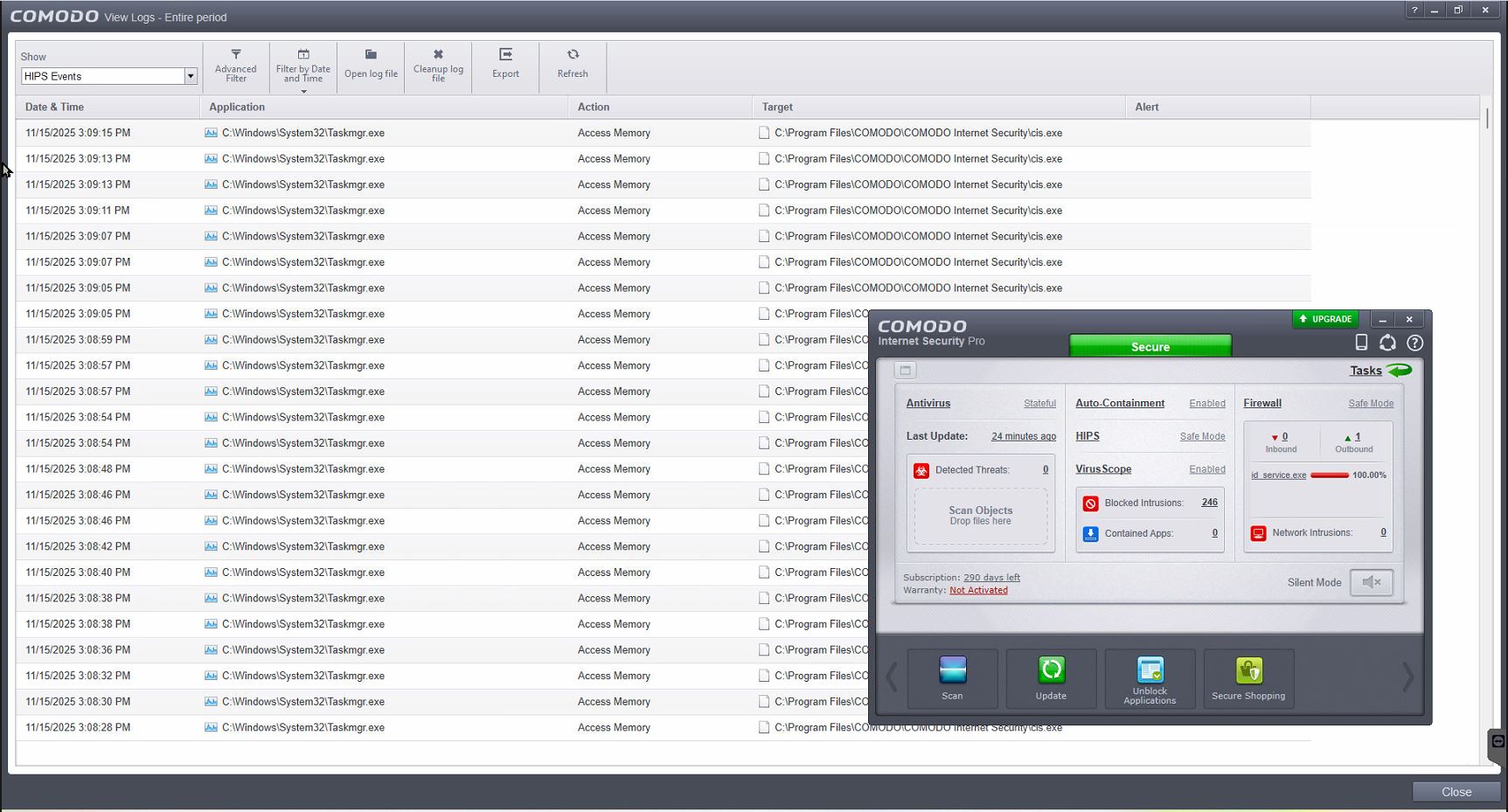
I noticed the following issue with CIS on Windows 11 that is not present on Windows 10 (and wasn’t present on Window 8.1, IIRC): When Task Manager is running, CIS HIPS keeps blocking it, and each block increases the count of Blocked Intrusions.
This happens with both older CIS 12.2.2.8012 and the latest CIS 12.3.4.8162, with both free and paid versions.
I contacted Comodo support. One support rep tried to fix it, then told me I should wait for a new version which should resolve this issue. Another rep gave me this thread - Comodo blocks task manager and other sys32 files - which doesn’t explain why CIS behaves on Windows 11 in a different way than on Windows 10.
So, does anyone know what’s going on with CIS on Windows 11?
It is caused by HIPS, specifically by the rule that covers CIS files\folders.
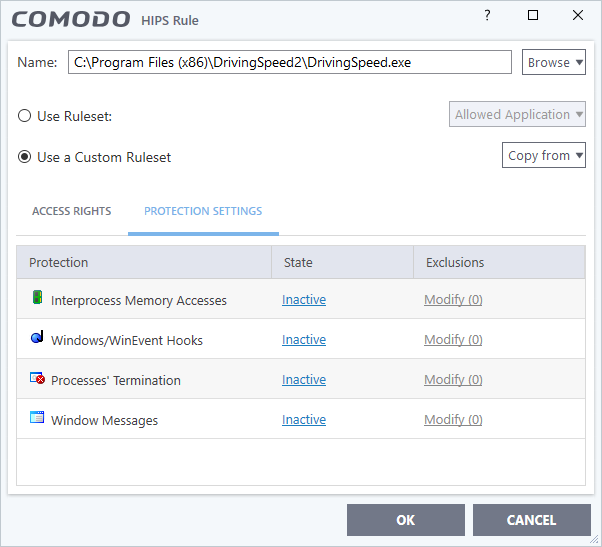
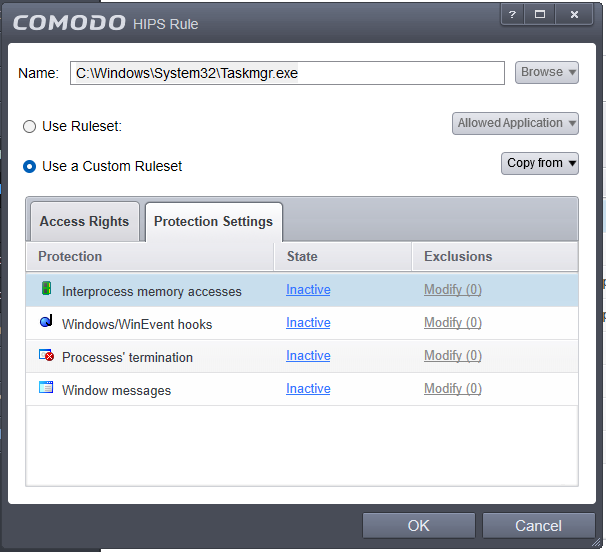
You can allow taskmgr access to CIS processes to stop block logs, but it will cripple process protection a little.
explorer.exe is already set as Windows System Application and is allowed to access interprocess memory, but I am getting alerts about it, too. Not as often as with running Task Manager.
I’ll try it this week and will update you, although I doubt it will help as I have this issue on 4 different computers, and even another Comodo user, @nik.luckin, reported this issue.
You sure you ran the test properly? On Windows 11, with HIPS set to Safe Mode, and with Task Manager open? Did you configure special settings?