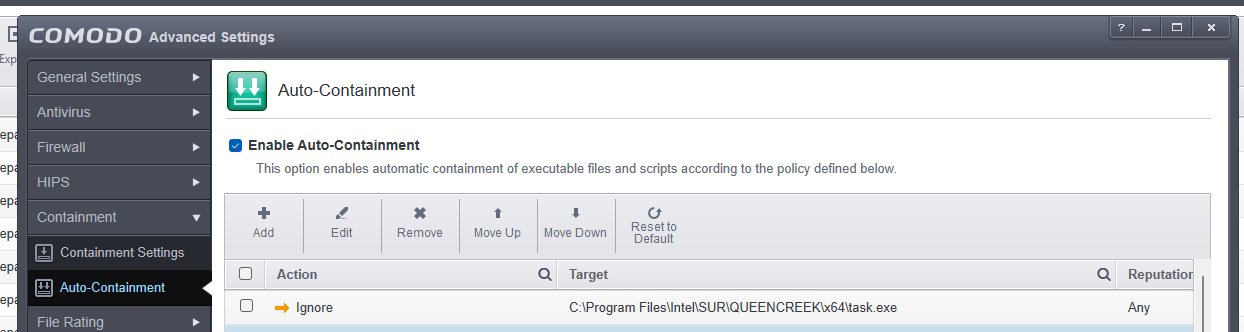
Also, yesterday I made a rule for this process:

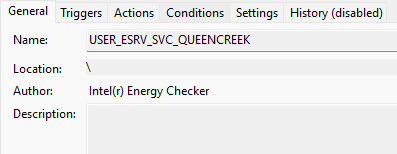
It runs a PowerShell script every few hours:
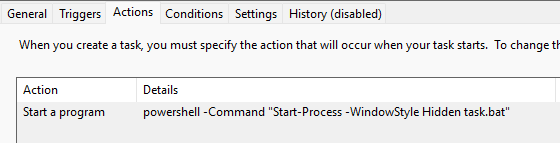
Task Scheduler reports that the operation gets completed successfully, but CIS says task.bat (which I have also allowed now) ran virtually.
Hi ComodoUser2025,
We are checking on this.
Thanks
C.O.M.O.D.O RT
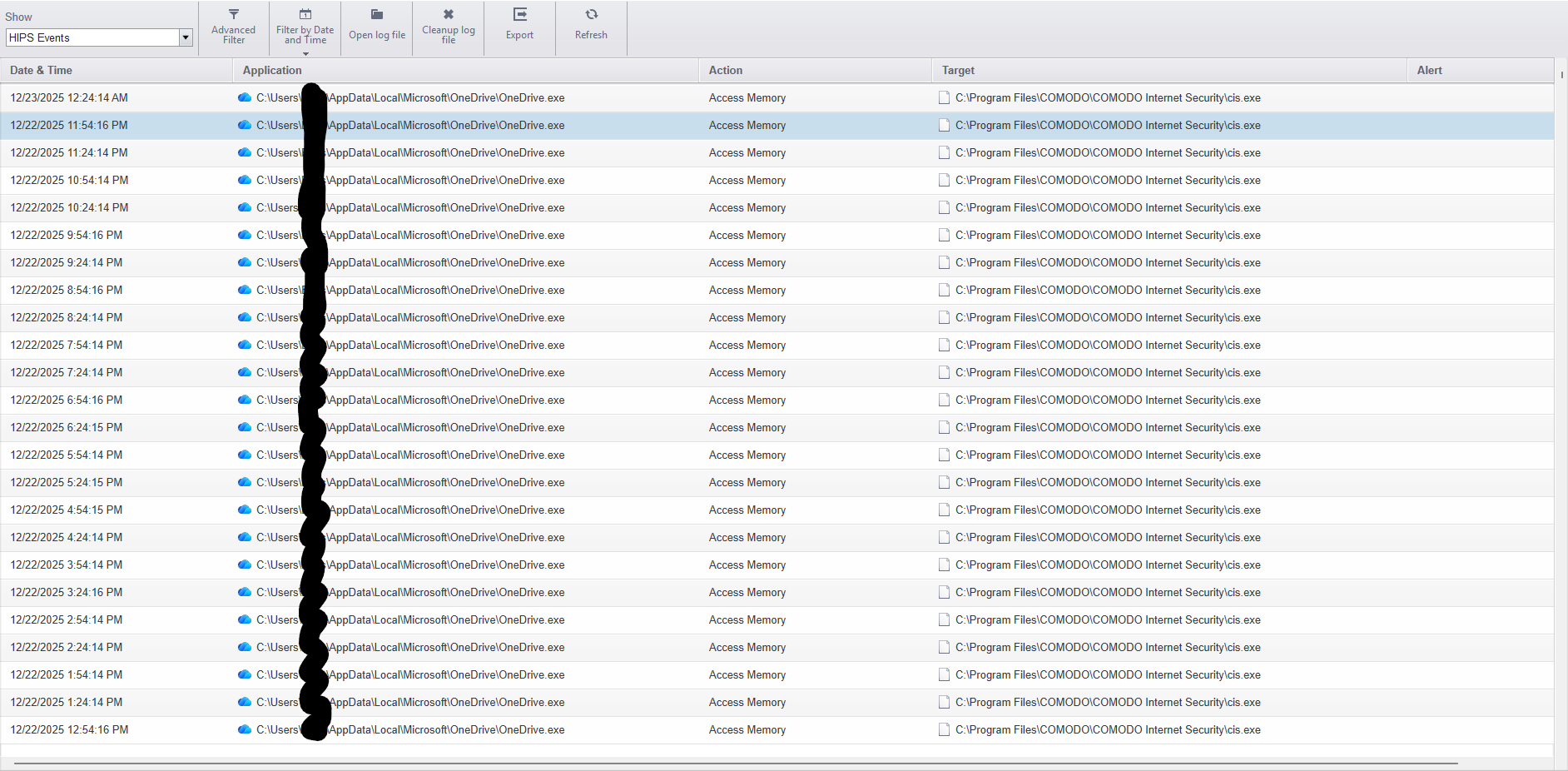
You are misinterpreting what you see. This is not a block, but a log entry suggesting access to a protected CIS file.
The same applies to OneDrive.
1 Like
So my test results:
Brand new computer, brand new installation of Windows 11 25H2, some programs installed, then Comodo installed. Still the same issue.
How do I make it so that such log entries are not created AND so that it doesn’t increase blocked intrusions count?
Perhaps just a layman’s thought:
Logging is a security/precautionary measure. If you suppress it (though I don’t know how), you won’t find out who’s “infiltrating” your system. A cyberattack could potentially occur through this method, just as a normally reliable Windows module could become a carrier for a Trojan, etc. You’ll certainly get more professional answers. Personally, I wouldn’t tinker with it too much and would just use proactive mode (maybe with Cruel Sisters’ settings, nothing more). Simply deleting the logs would be the better method. Do the logs interfere with your PC’s functionality?
This might help you further
From the help section:
Comodo Internet Security keeps detailed records of all antivirus, firewall, HIPS, containment, website filtering, VirusScope and secure shopping events
Logs are also created for ‘Alerts Displayed’, ‘Tasks Launched’, ‘File List’ changes, ‘Vendor list changes’, ‘Trusted Certificate Authorities changes’ and ‘CIS Configuration Changes’
Log settings let you specify the log storage location, the maximum size of log files, and how CIS should react if the maximum file size is reached.
I find it strange and a bit concerning that CIS is reporting whatever a legitimate application is doing as intrusion. I had my computer running for 6 days, and I got 644 blocked intrusions so far. Most are from OneDrive, every 30 minutes. I usually have Task Manager running minimized, but now this would increase blocked intrusions to infinity, with a high chance of missing some real intrusion if it ever happens.
I found a workaround so far, it seems. I added Task Manager to Windows System Applications group in HIPS, and that stopped the increase in blocked intrusions.
You’re not entirely wrong. That’s the kind of “distrust” cis people display—better to be suspicious than too trusting. It would be better if unknown entries were color-coded or highlighted.
Try using the refresh function; it deletes invalid entries. I assume that by invalid entries you mean those that aren’t dangerous.
The logs only show what was blocked. You’d have to allow trusted programs in the places where they were blocked. The message there says that if something blocked is deleted, it’s treated as trusted and no longer blocked. That’s quite a bit of work, of course. Perhaps refreshing the log view will help; it deletes invalid entries (which I assume refer to the trusted programs). I accidentally deleted mine just now, so I can’t run it.
I just read this now.
You could say that. Besides, the topic has already been discussed for ten years.
Why do you think that an application signed by Microsoft, which has access to interprocess memory and refers to protected CIS processes, is a strange reaction from the program? In my opinion, it is a correct reaction to protect its own resources, which is why these logs are there. Besides, Taskmgr.exe (Task Manager) has elevated privileges and uses special kernel privileges, and needs access to memory and other processes in order to:
display actual RAM usage, terminate processes and threads, check EXE digital signatures, and much more.
How is it possible that this topic has been discussed for ten years when Windows 11 has been out for only five?
My concern is that a legitimate Windows process doing something that it’s supposed to do is considered an intrusion.
One thing I can say for sure, this will happen, just like it has happened in the past.
But the same thing happened on previous versions of the system, with Comodo playing the leading role.
I had Comodo on Windows 8.1 and Windows 10, and I don’t recall it reporting Task Manager as an intrusion.