After installation I performed a quick scan but the client still shows last scan : Never even after multiple scans.
Secure shopping, just hangs and does not install or launch.
Kill switch does not install or launch just hangs.
Cleaning Essentials does not install or launch just hangs.
Found HIPS disabled so I enabled it.
Updating the client, Recognizer updates always fails.
Updating the client, Program updates always fails “Error” why not say “up to date”, I have v12.3.0.8088, in the log Error: 0x80072ee7 - The server name or address could not be resolved
In Proxy Settings I have, correct ?
hi @likeastar20 , we are aiming to release a new beta version which includes a lot of fixes, in 2-3 weeks time. I will let you know once we clarify the exact date.
Since testing the new version CIS 2024 I note the following during use.
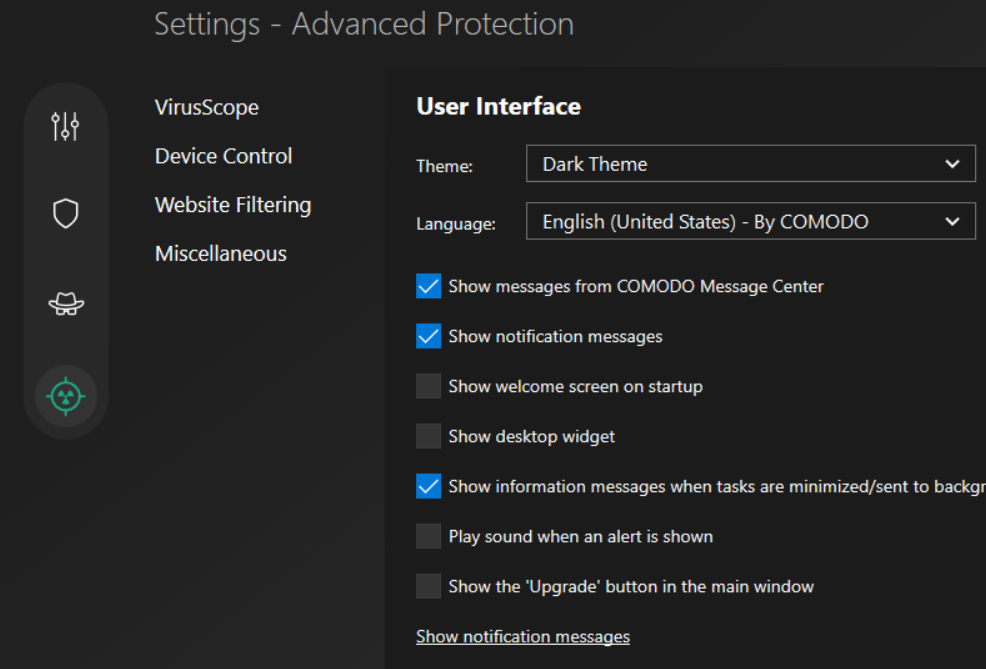
The new style interface is a lot bigger than the previous version of CIS.
You can stretch out windows but not decrease from the default.
The previous version GUI seemed more executive and compact.
The new style GUI seems more basic and too blocky.
I remember with prior versions of CIS you could change the skin, is it possible to change skins with this new version of CIS 2024 or the option to switch between previous GUI version or leave it new style.
At this moment in time I prefer the old look I guess time will tell if the new look will grow on me or not.
I found that the new version didn’t support the “|” input at the end of a file or folder path. I remember that in the old versions, this input is available. Besides, I have also tested in the Xcitium Client Security version, it’s also supported.
Anyone knows how to disable Intel TDT Integration? Every restart Comodo will do a check and the log files tell my CPU is not supported and Intel TDT Integration is disabled
Calling TDT library get_tdt_capabilities API...
======================================================================
  Comodo TDT library get_tdt_capabilities
======================================================================
{"cpu_vendor":"GenuineIntel","cpu_brand":"Intel(R) Core(TM)  ","cpu_family":"","cpu_model":"","cpu_stepping":"","perfmon_version":"","pt":false,"intel_gpu":false,"os_info":" (Windows 10 )","tdt_version":"2.3.0.133"}
System TDT capabilities: Unsupported TDT system


Platform NOT supported for TDT detector!!!

CPU can't support Intel TDT