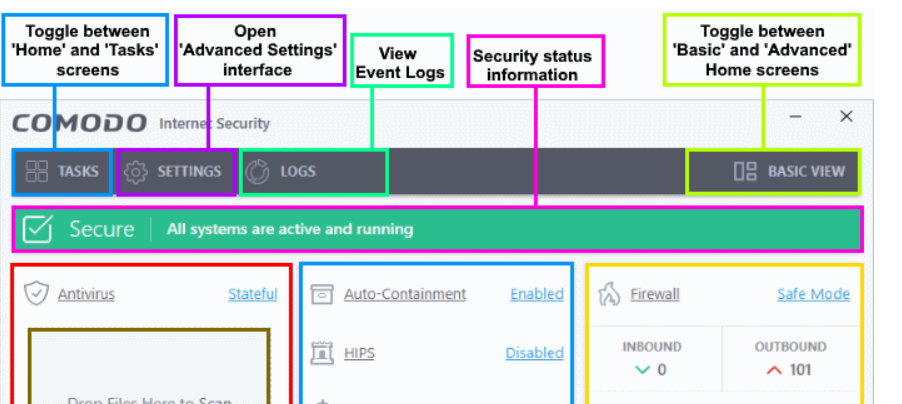
A lot of people just use the Firewall with a different AV, Even Microsoft Defender as CFW still included VirusScope, Containment and HIPS, you have to Install the AV first and then whitelist each other. You don’t need to run full scans all the time, once it’s installed, it’s protecting you.
The stable will come when it comes and I’m sure there’ll be performance improvements but it barely uses resources running normally. In comparison Emisosft Anti-malware uses at least 600mb of ram the whole time.
Hey guys,
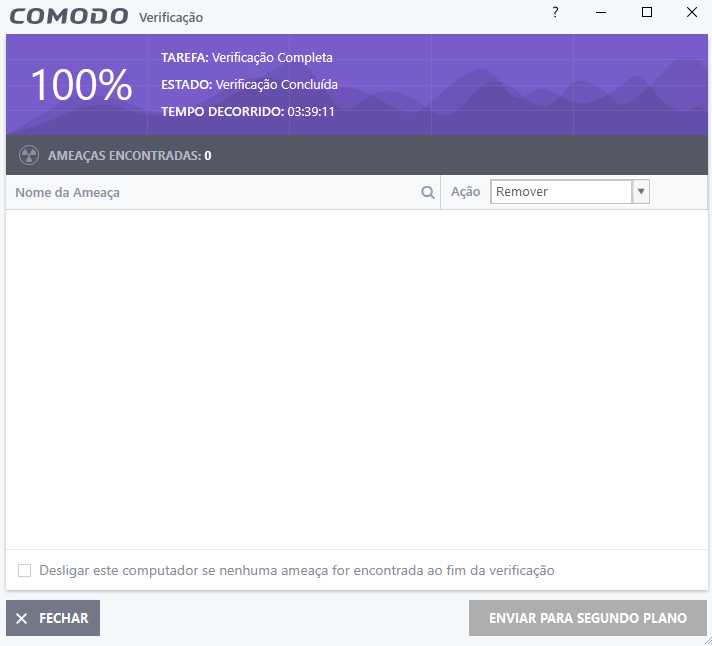
I’m just stopping by to record the scan I’m doing on my HDD, as per the post above stating that it’s taking a long time.
It finally ended and was finished in 3:39:11 That was the time it took to finish, guys and many hours, almost 4 hours of waiting.
COMODO team, please look at this for the next version to be improved, any other AV software, this takes a maximum of 1 hour and 30 minutes. to my HDD. I’ve already done tests.
You’re looking at the installer. That installer is designed to work on both 32 bit and 64 bit operating systems. It has both the 32 bit and 64 bit version of CIS inside. That is in no way evidence that the 64 bit version is not 64 bit.
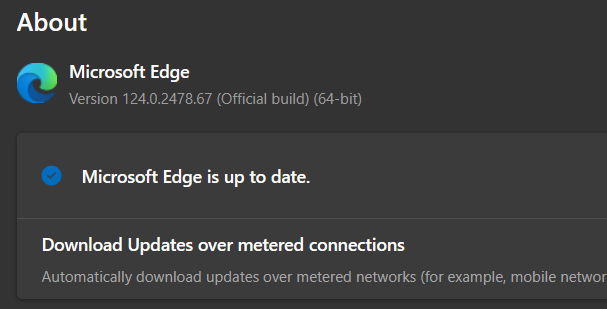
I don’t use Microsoft Edge, it just installs it on the computer, because it comes with Windows.
I use the VIVALDI browser.
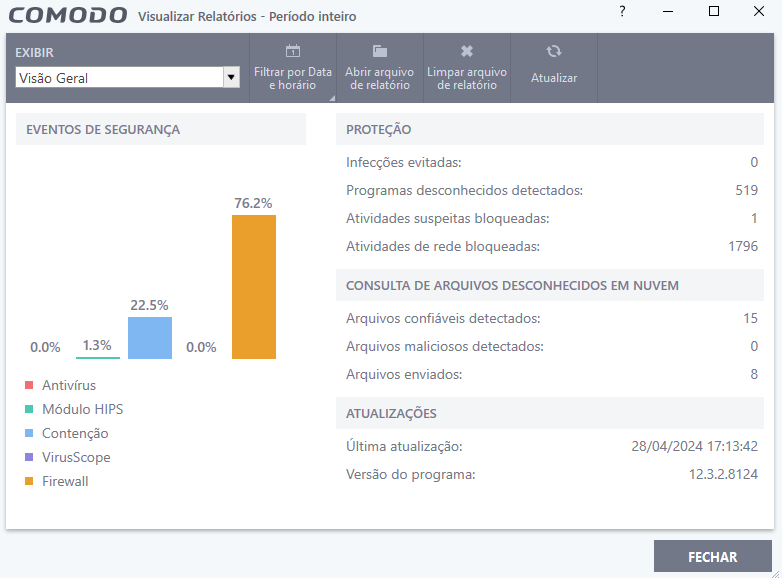
Now about what the LOG reports, I can’t say, because I don’t know where the LOG is to see what it is reporting, if you can tell me where I can find the LOG I will look for it here and tell you.
Can you please quote the people here that have said that comodo is perfect or that it doesn’t need improvements?
I haven’t read anything barely similar in this discussion.
On the opposite there are (2) people with questionable requests of bloat as useless browsers extensions that will worsen rather than improve Comodo.
That is really strange considering the many more important things that needs to be improved and the already slow release cycle of new versions.
Now you have posted a weird screenshot where there is 7,7MB/s during full scan… and you claim that it consumes so much hard disk that your PC crash. Honestly, that is pretty hilarious.
The faster is the scan engine, more it is the HD read bandwidth used, not the other way around. It is an obvious concept since faster scan engine it is able to process more data per second than a slower one and so read more data per second during full scan.
A high disk usage cannot cause a PC crash as you claim otherwise PC will crash every time you copy a file from a device that has read speed at least equal to HD drive speed.
I’m curious what HD are you using if 7.7MB/s are “too much” (this wasn’t too much even 10 years ago, let alone in the age of NVME SSDs)
Every popular antivirus\antimalware on the planet during a full scan will going to saturate such read bandwidth on a HD whose 7.7MB/s are too much unless it is heavily CPU bottlenecked.
If you aren’t convinced and you think that Comodo is so bad… I’m wondering why on earth are you using Comodo.
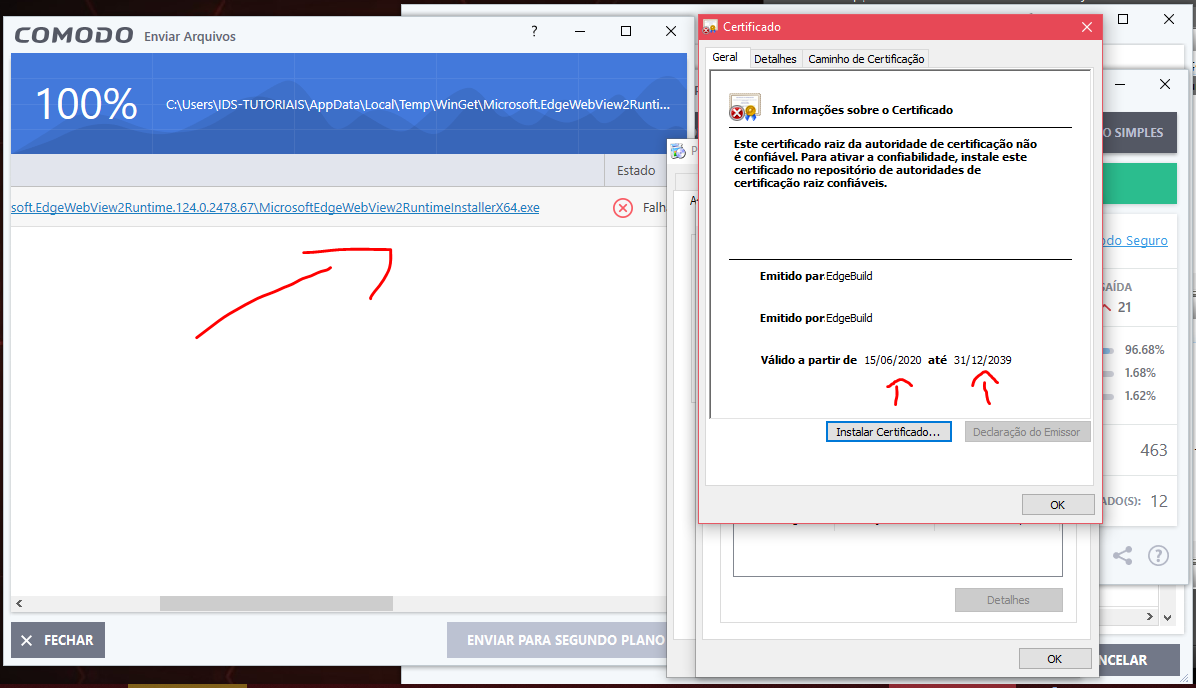
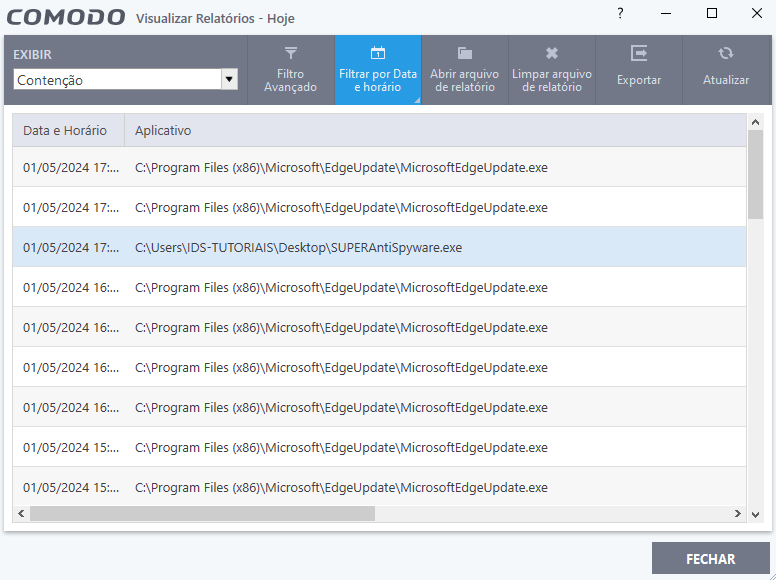
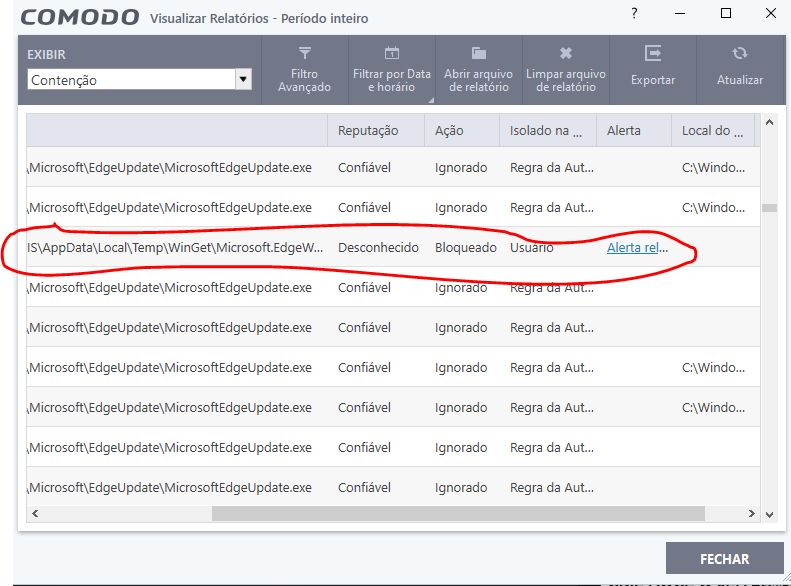
When I select containment it only shows Microsoft Edge, which I blocked from automatic updating. and the SuperAntiSpyware that I went to download and was thrown by containment.
If you click to see more, it only shows Microsoft Edge trying to update, other than that, nothing else.
It doesn’t show the problem I have.