Comodo lets traffic through but doesn’t always mark it “approved” for Windows, so Security Center still asks. Turn on CIS Silent Mode or set rules for those apps to stop the prompts.
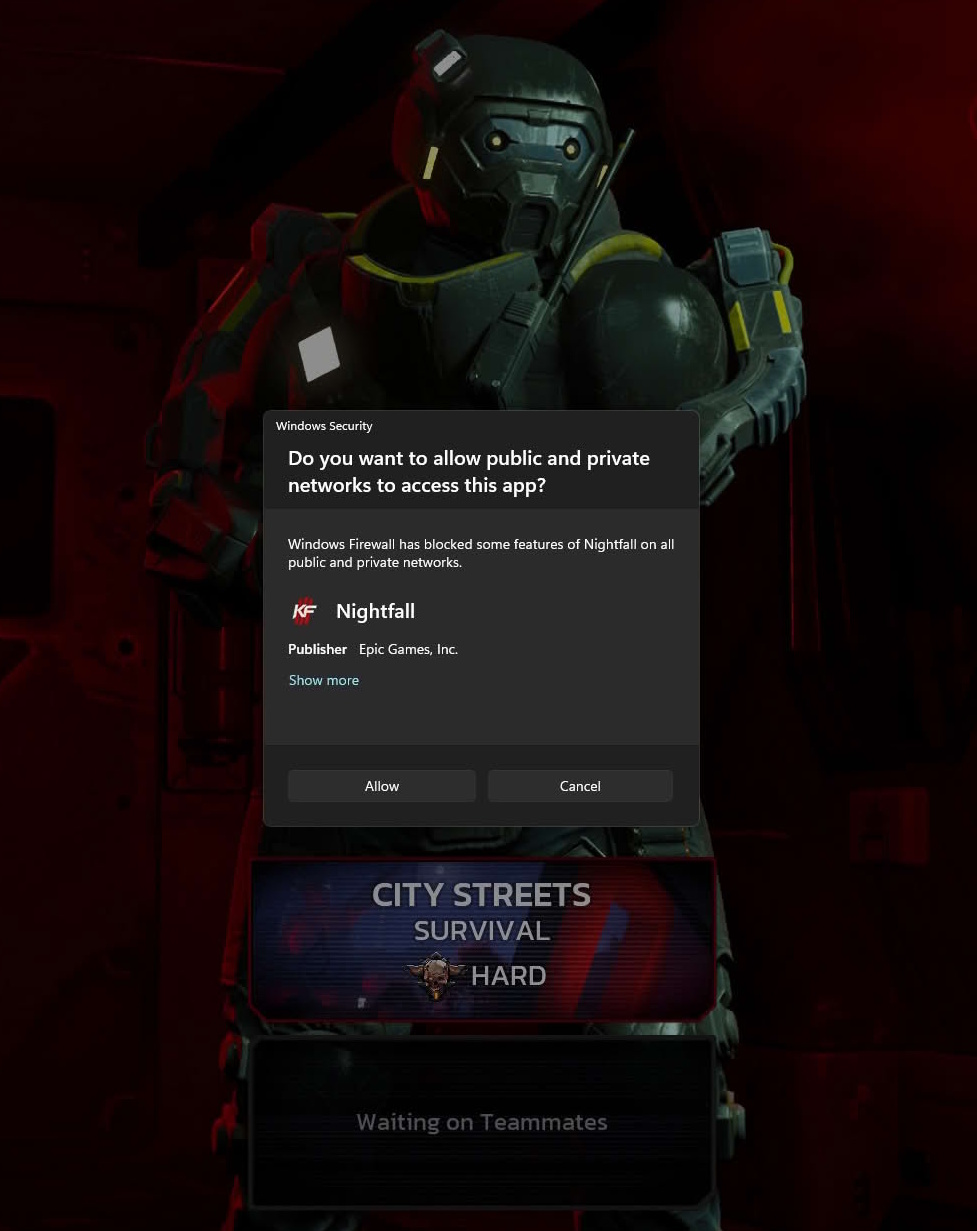
Hi SystemShock,
Thank you for reporting.
We will check and update you .
Thanks
C.O.M.O.D.O RT
Standard Windows Firewall alert for applications that are listening to connections.
Disable CFW temporary, disable Windows Firewall, then enable CFW again.
Like @cruelsister said previously:
You have both WF and CF enabled on your system- that’s OK if you so choose, but note that one will not deactivate the other.
That shouldn’t be necessary and on top of that, if I’ll temporarily have to disable Comodo Firewall, the system won’t have ANY firewall at all during that time…
1 Like
You can address your considerations to Microsoft Support, it’s their operating system.
Anyway, just disable network connection if you’re so cautious not to leave your system without active firewall during reconfiguration.
I’m curious what’s your concern is caused by? You’re directly connected to internet or any large LAN without router?