[SOLVED] Block internet access for an entire folder

Hello

I am using Comodo Internet Security Premium 12.2.2.8012 on Windows 10.

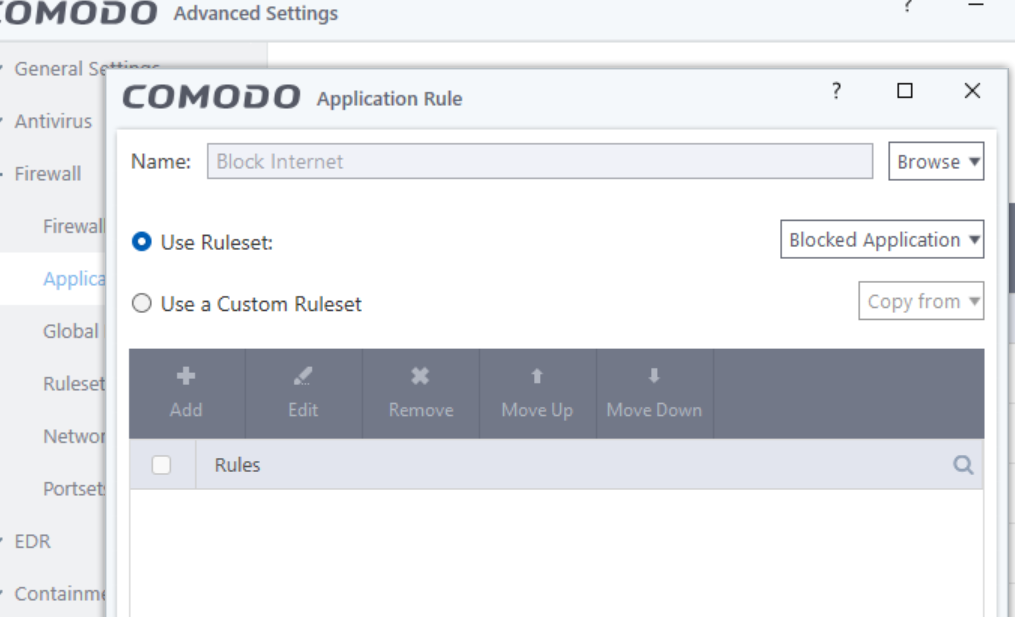
I’m trying to block internet access to a folder so that I can place suspicious programmes in it without having to create new rules.

The old tutorials I’ve found do not work anymore.

By the way, I’m using the French version, so if you could also tell me how to change the programme’s language (or display the names of the menus and options in French), it would be much appreciated.

Any help ?
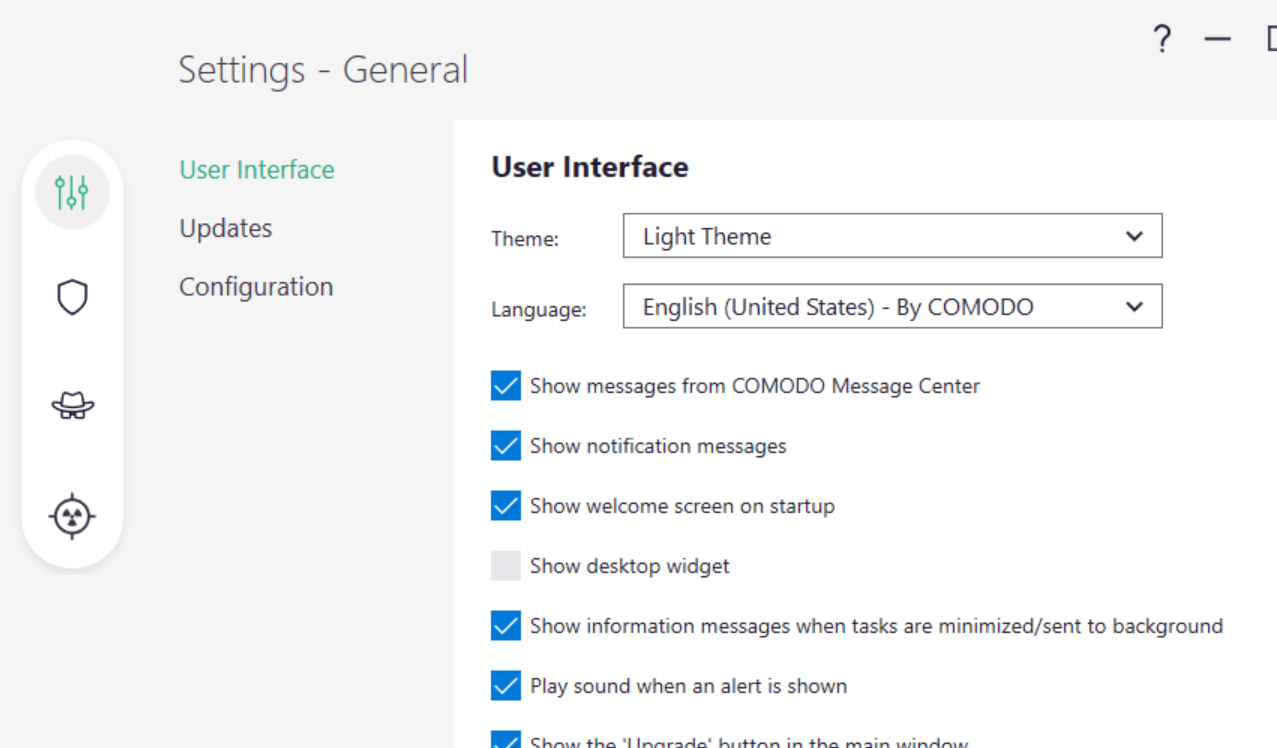
To change language, it’s right there in the settings - user interface

For blocking internet for a folder, you might need to create a File Group under File Rating settings and then create a block rule for that file group.

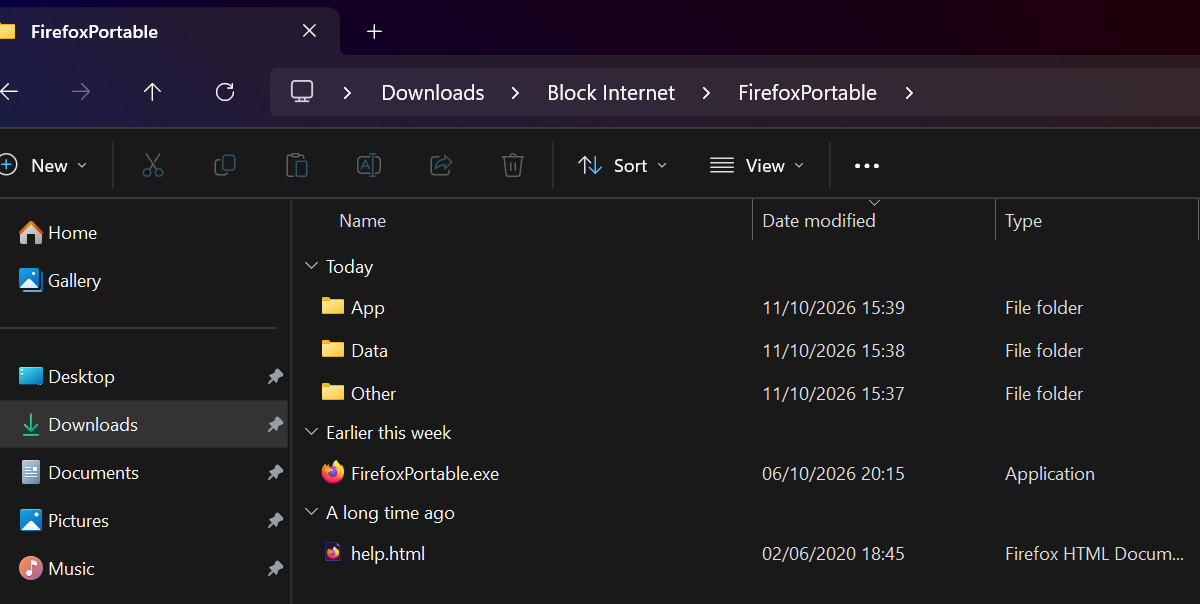
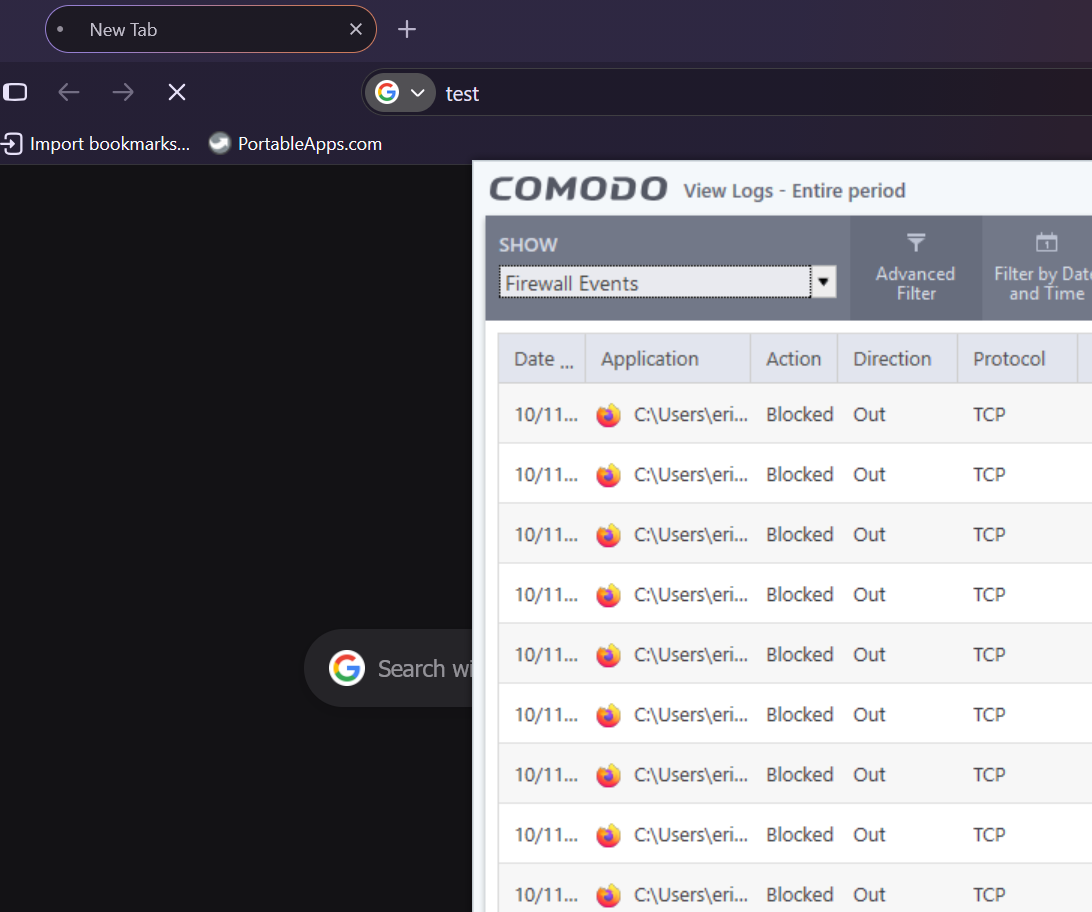
So I’ve put Firefox Portable in that folder and it’s successfully blocked.

1 Like

Thanks for your quick reply, Eric. It works great.
I remember it was something like that, but I couldn’t remember the exact procedure.

1 Like