It’s an old issue, and as far as I can tell, it doesn’t apply to newer versions. .8012 is FIVE and half years old. My best guess, and I have to guess because I can’t reproduce it, is the revoked certificate and/or expired certificates are causing the scan to alert for them. There’s nothing to solve, only something to understand.
Das klingt nach einem Fehlalarm von Comodo, der für Verwirrung sorgt. Da du bereits bestätigt hast, dass das Problem weder mit dem Netzwerk noch mit Schadsoftware zusammenhängt, könntest du prüfen, ob ein Update oder eine Änderung an der Zertifikatdatenbank der Auslöser sein könnte. Welche Version von Comodo verwendest du?
Sectigo was part of Comodo some years back. The Rating Scan checks cloud reputation of files. More than likely the cloud reputation hasn’t been updated to include new Sectigo Certificates.
Google search says it’s a self certified certificate for my machine and having checked VT (results to follow). It’s clean and safe.
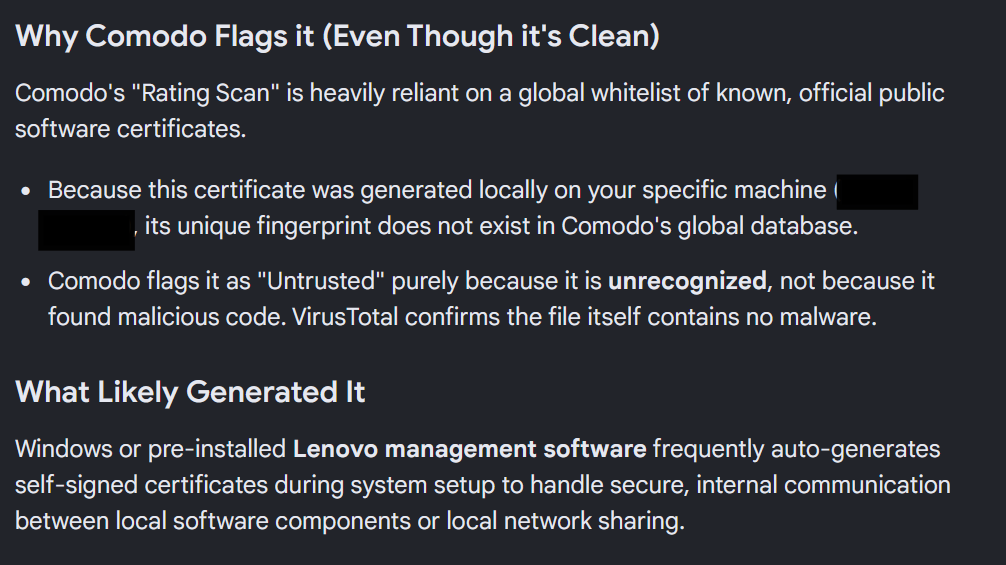
This isn’t a security issue or anything so you can ignore it. I’d probably do a backup first if your going to clean it.
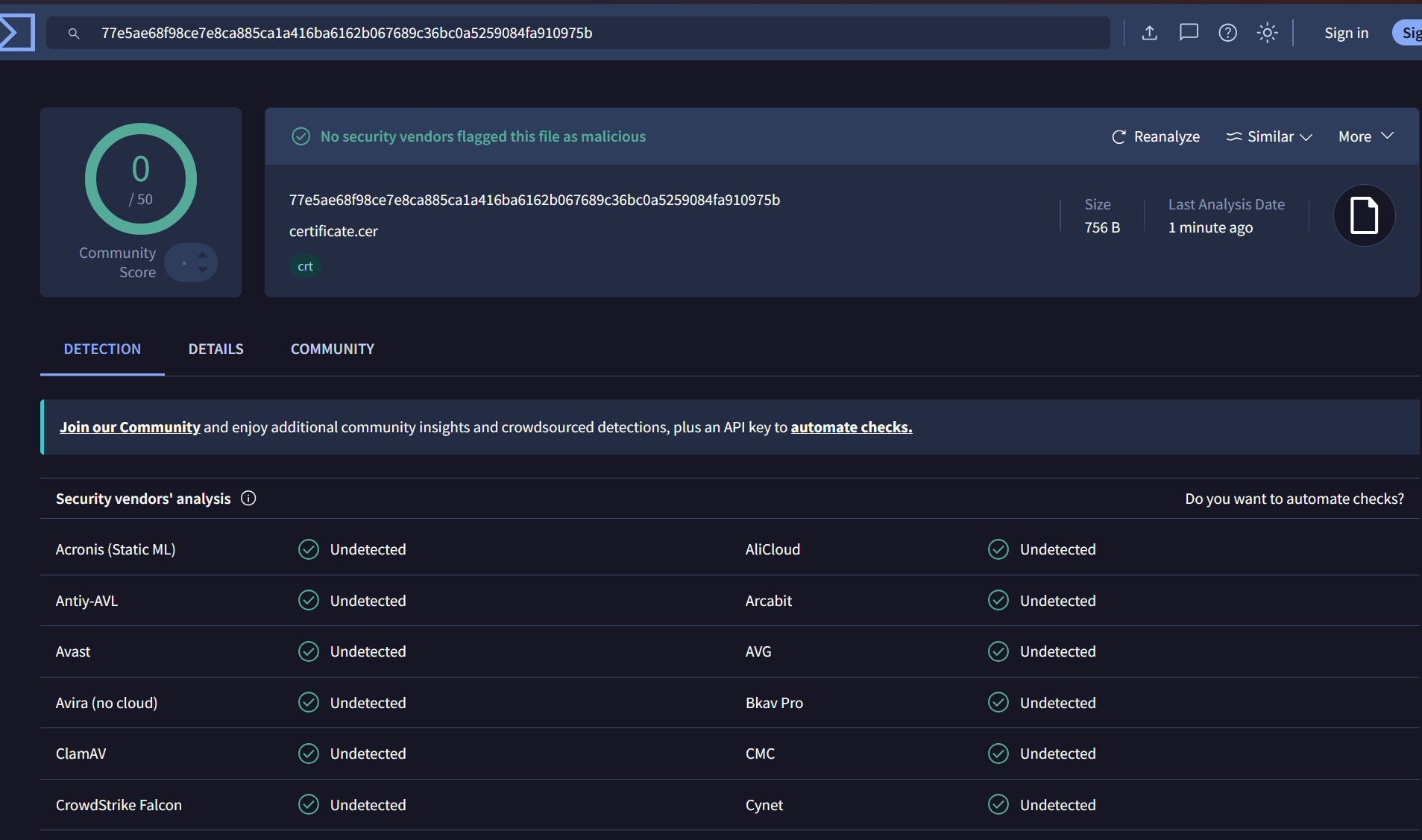
Exported Certificate .cer results on virus total as 100% clean.
On a different note. It’s find to raise a question again after a reasonable time and people’s opinions are valid but please ensure you are adhering to forum policy.
2 Likes
well, atleast in my end its an issue. if i mark the cert as trusted, some time later it will show up again as an unknow cert and cis will prompt me what to do. if i remove the cert from cis list “and from my computer”, some time later (by magic maybe?) the same cert will show up again and cis will prompt me what to do. its a funny game to play from time to time while having cis on my machines… 
edit.: i never bothered to post abouot this here because its a sure thing comodo will just ignore or say its all good. so, why bother…
1 Like
What version of CIS are you using? Have you done any investigation into the certificate itself? Is it revoked? Is it expired? If you’re on a newer CIS version, have you checked for old CIS drivers that are still present?
latest one and the new one. same problem. then, and for some other reasons, im back to cis 2025. the issue related here about the crazy certificate is present since cis 2020… never solved and never investigated as it seems. and it seems no one cares… what i care is the other topic, last response from k1k2k3… “that” is something that actually matters. lets see if some mode or dev talks about that… my bet is that it will be ignored but who knows… i hope im wrong…
1 Like
I’m using the latest version and I’m not experiencing the problem. I believe I saw it once years ago, but never again. It never comes back. Maybe consider the other questions I asked that you didn’t answer. Perhaps there’s something there. The devs aren’t going to do anything about it, so you’re on your own.
thats what i said… o.O
1 Like
Aside from the very last sentence, did you take in the rest of the post as well? Have you checked to see if old Comodo drivers are present? I have yet to get anyone experiencing this issue to even check.
cassette, i already tried everything you can imagine. and ive being trying to fix or collect dump for this issue for a long time. from cis upgrade, from cis clean installation, from windows 10 clean installation and cis installation on it, etc. every now and then “a wild cert appears”… so i decided to just let it be and have fun with it. comodo doesnt care about it so I intend to do the same, for the sake of the fun when the wild cert decides to appear…
So you’re just not going to answer the question. I can’t say I’m surprised.