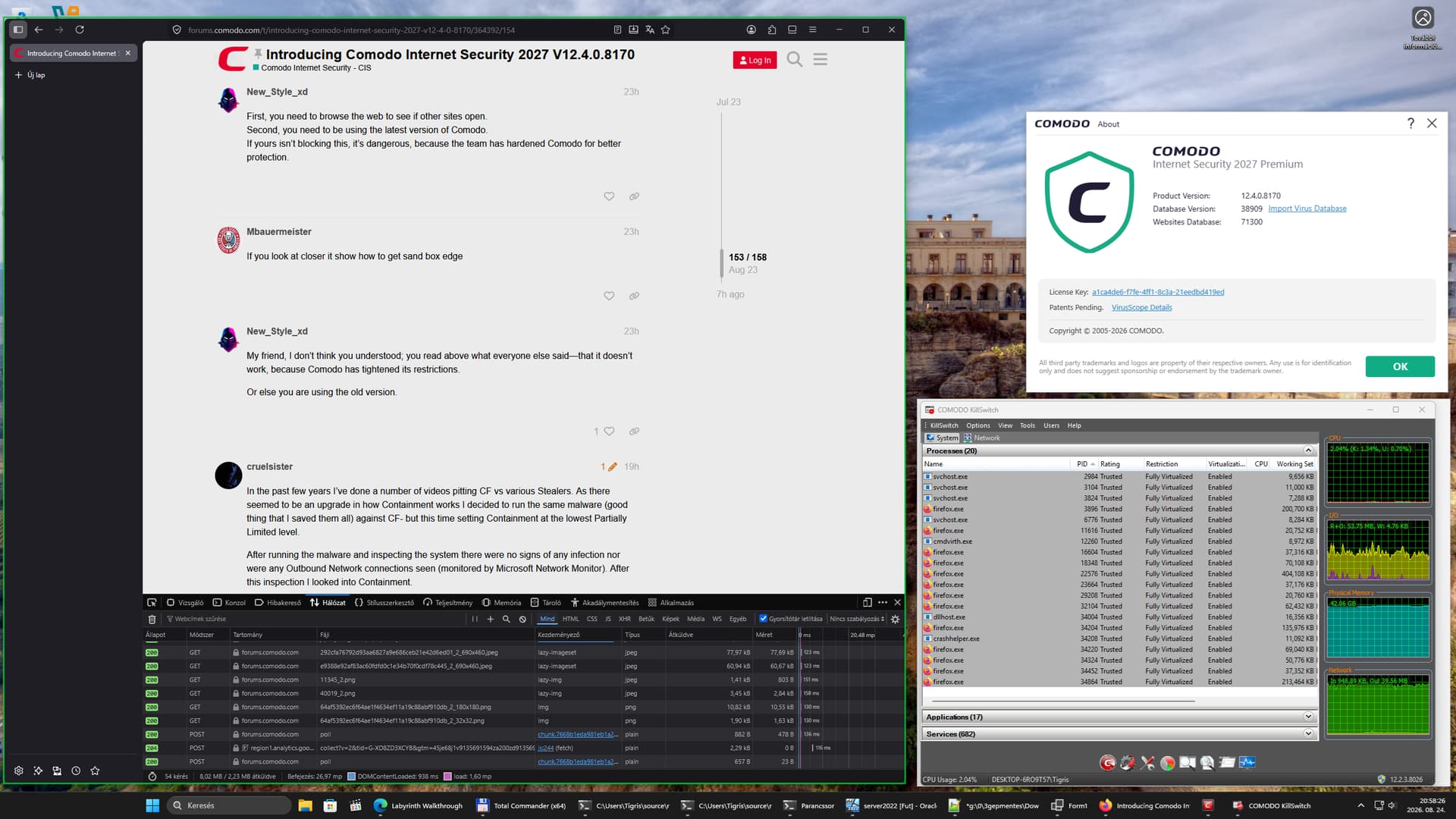
Thanks for the explanation; I’ll be waiting to hear from our friend @C.O.M.O.D.O_RT
Hi New_Style_xd,
We have tested and found that the internet doesn’t for chrome when running in sandbox,
We will take this to the team notice and update you.
FYI: MS Edge is working fine.
Thanks
C.O.M.O.D.O RT
Hello, I tested it with Microsoft Edge, and the internet isn’t working inside Sandboxie.
The image below shows that there is no connection.
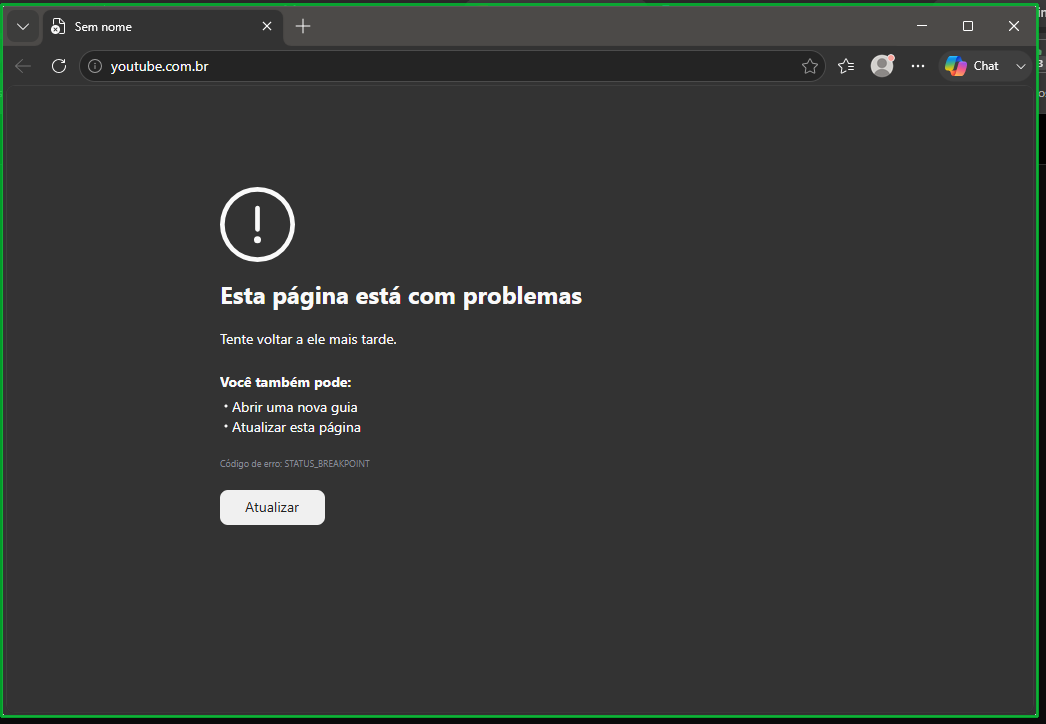
I don’t think it works in Microsoft Edge either!
But regarding @C.O.M.O.D.O_RT he said it worked in Edge, yet I showed a screenshot proving it doesn’t; I’m not sure if there’s a specific setting that needs to be adjusted.
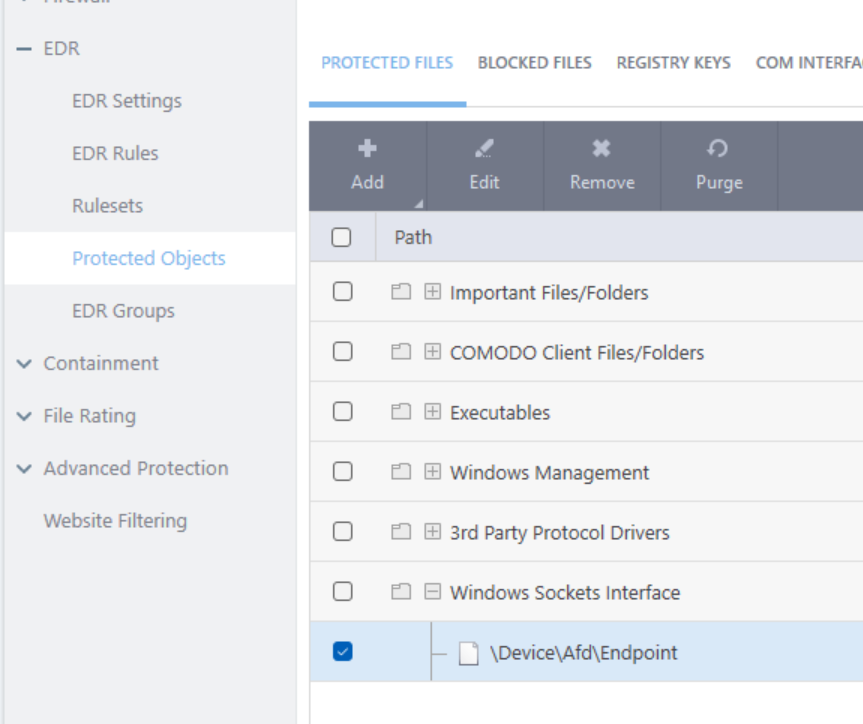
It is that protected object as I detailed to you earlier. If you remove that winsock interface from the protected objects list, you can use the internet on contained browsers but that isn’t safe and I haven’t found a workaround to create a specific whitelisting of a browser running in containment. I have tried it in virtual desktop but also getting connection error. Hopefully the devs can provide a workaround.
2 Likes
It’s great that you tried. If you happen to find a way, please post it here on the forum, detailing how to do it; it would be a great help.
It would really be great if the developers looked into and implemented a way for everyone to use the internet in an isolated environment.
There has been a significant change in how Comodo works in this new build. Previously when something like a malicious file was in Containment and it attempted to connect out, a FW alert was evident. Now, however, all things contained will not be allowed to connect out- it instead will be silently blocked without a popup and without any listing in Network Intrusions.
The upside to this is that the vast bulk of current malware which is composed of Stealers, RAT’s, and Downloaders (all of which MUST connect out to work) will pose no threat as their critical action (connectivity) will be negated without the need for user input.
The downside of this change (for me, anyway) is that when running malware in Containment the majority of the nastiness will be blocked giving the impression that the malware didn’t work when in reality it just is being murdered.
4 Likes
I like this protection… @cruelsister
Given your experience, do you think developers could implement a feature allowing the user to run an application—like a web browser—inside Sandboxie while still maintaining internet access?
1 Like
Keeping in mind that the answer to your question is above my “Pay Grade”, they would have to add the older version of Containment while simultaneously disabling the current version for a specific application. Personally I don’t know how possible that would be; in addition it could be potentially dangerous in terms of Security.
2 Likes
I understand Comodo’s move to tighten security, but it would be ideal if the development team added an option allowing users to choose whether or not to have internet access within the sandbox.
That would be a good idea—what do you think?
1 Like
Thanks so much for clarifying 
1 Like
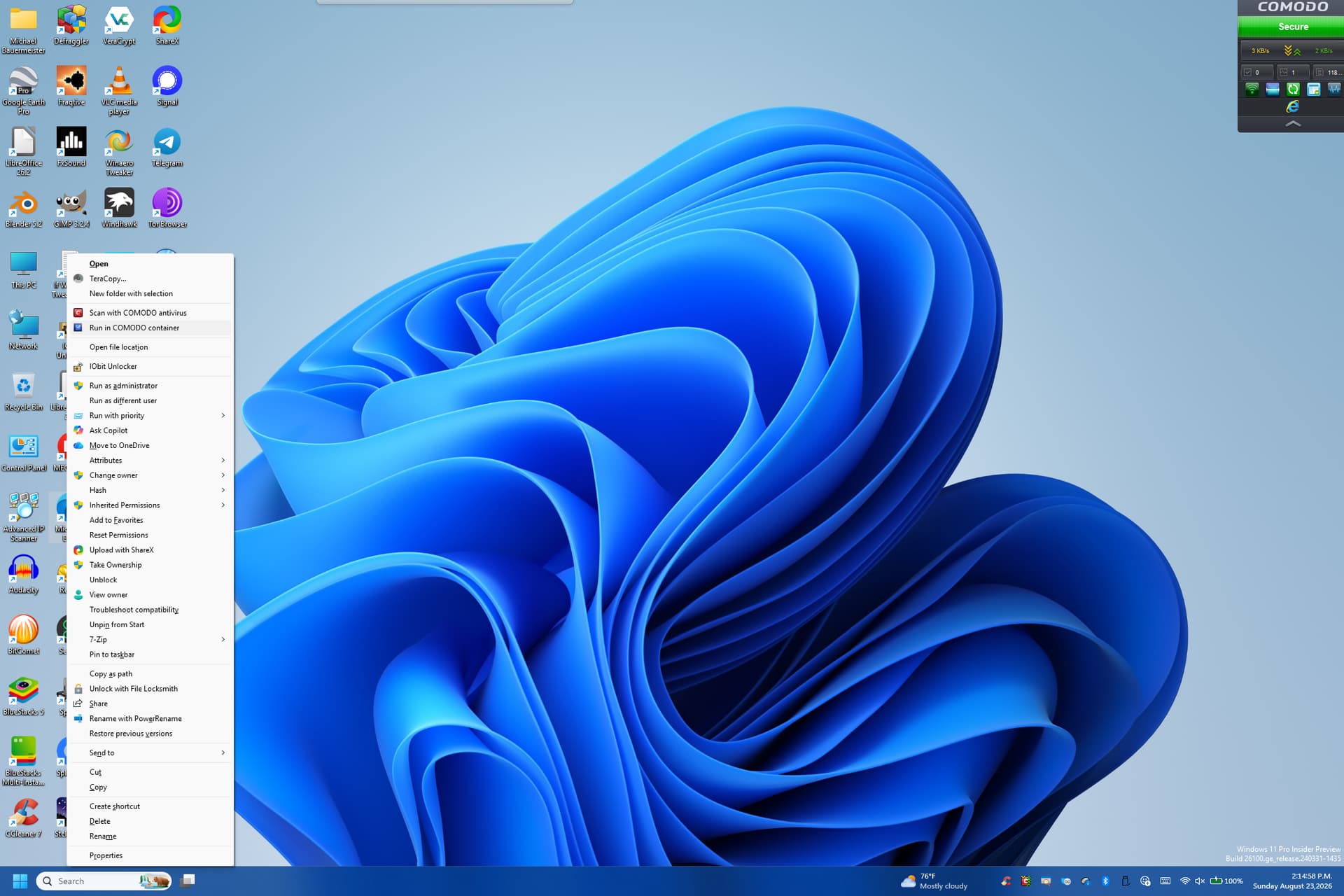
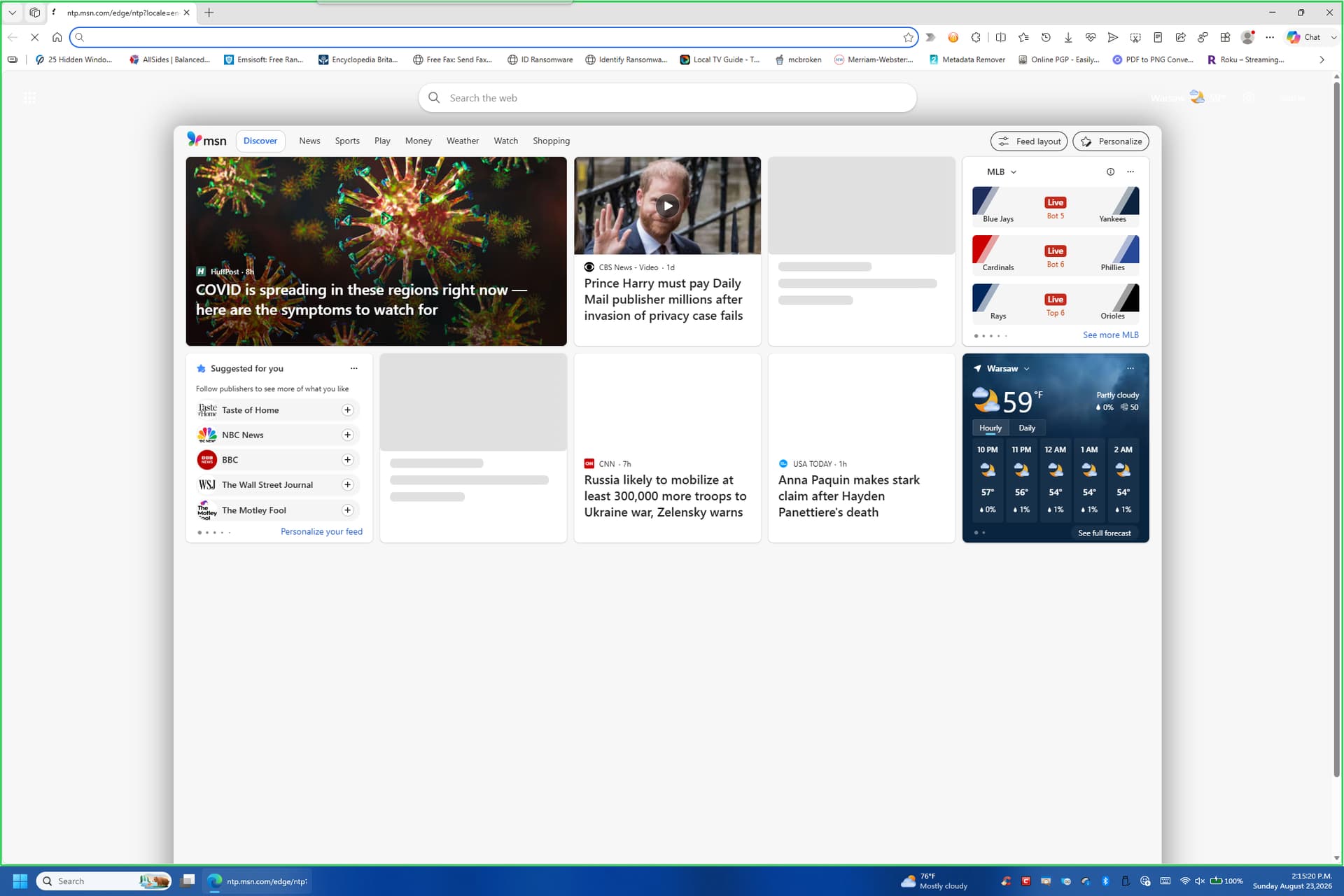
First, you need to browse the web to see if other sites open.
Second, you need to be using the latest version of Comodo.
If yours isn’t blocking this, it’s dangerous, because the team has hardened Comodo for better protection.
If you look at closer it show how to get sand box edge
My friend, I don’t think you understood; you read above what everyone else said—that it doesn’t work, because Comodo has tightened its restrictions.
Or else you are using the old version.
1 Like
In the past few years I’ve done a number of videos pitting CF vs various Stealers. As there seemed to be an upgrade in how Containment works I decided to run the same malware (good thing that I saved them all) against CF- but this time setting Containment at the lowest Partially Limited level.
After running the malware and inspecting the system there were no signs of any infection nor were any Outbound Network connections seen (monitored by Microsoft Network Monitor). After this inspection I looked into Containment.
As in the past I was expecting to see in the Containment VTRoot folder various files containing stolen logins, passwords, etc. In addition expected was either a FW alert or something showing up in the Network Intrusion tab. Surprisingly enough I saw no evidence of stolen anything nor any indication of Network Blocks (the usual suspects like svchost, powershell, vbs, dllhost, rundll32 or regsvr32, etc were automatically and silently stopped).
So although it may seem that nothing has changed in the new Build of Comodo this is certainly not the case as protection levels have been dramatically increased.
4 Likes
Hi everyone, hope you’re doing well.
Just dropping by to share a quick report.
I completely uninstalled CIS 2027 and reinstalled CIS 2025. After migrating to 2027 (via a clean install—I even formatted the computer), I started noticing some strange behavior.
-
My AMD video driver began crashing constantly, seemingly for no specific reason;
-
Windows Event Viewer showed that a CIS 2027 service was crashing without cause ever since I installed the new version;
-
The computer was running slowly—sporadically and at completely random times (while gaming, browsing, studying, with just Notepad open, or with literally nothing open—even just navigating the Windows 10 22H2 Start menu).
I’m not certain, and I have no way to investigate further (I admit that after so many years of using CIS, reporting bugs with no response, and watching the software get updated without bringing any real new features or improvements, I don’t make the effort to collect dumps, logs, etc.). However, after removing CIS 2027 and reverting to 2025, none of these issues have recurred (I’ve been using the PC for about five days since the downgrade).
Anyway, that’s it. Just a quick report. Best regards to everyone.
Edit.: Ever since I installed this new version, I had been investigating how the CIS 2027 modules worked compared to the 2025 version, and I was reaching conclusions similar to those posted by cruelsister. Eventually, I started noticing a connection between the problems I described and this new version. So, I downgraded, and here we are. I might try a fresh installation later on, since I had imported my 2025 settings when I installed 2027. I’m not sure if the imported settings could have caused any issues, but given that both versions operate essentially the same way regarding the protections they provide, I see no urgency in reinstalling 2027. At least not for now…
I still think it’s great! I’m a user at the lower level, of course. Thank you for your efforts and your reports.
Thanks in part to you, I haven’t lost faith in Comodo—or rather, I’ve kept finding it again.
2 Likes