No issues at my end. Reset container just reset container and I clicked within 1 second of updating signature and several times during the update.
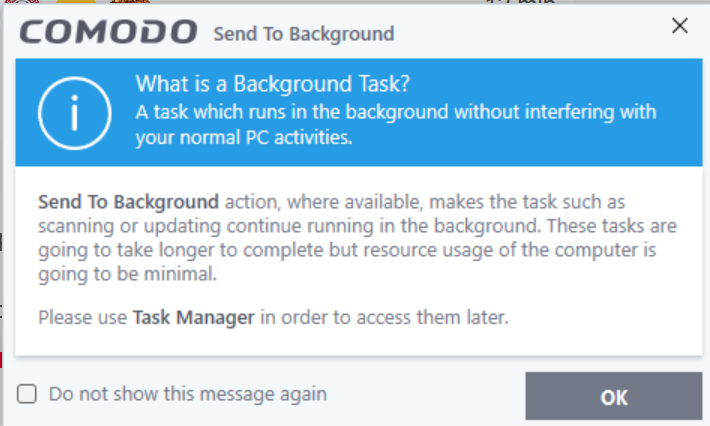
Comodo sets the update as a background task which gets hidden behind a window so you have to alt tab having not properly sent the update to a background task and you have to close the send to background window but nothing happens within even less than 1 second but I haven’t been able to reproduce whatever your seeing even after a dozen tries.
2 Likes
I ran a test on my CIS: I initiated an update, then restarted the auto-containment process, and I confirmed that the update window actually closed.
I believe it moves to the background, because when I click to update again, the process simply resumes.
The question remains: does CIS handle everything inside the sandbox?
And why does it behave this way?
in my case it is not in the background. it is closed by the “clean sandbox”…
- clean installed cis 2027 on my main system: this problem occurs;
- fresh installed cis 2027 on a fresh installed windows 10 22h2 pro updated iso with all windows updates applied: the same problem occurs.
anyway…
1 Like
Comodo can run tasks in the background like updates and system scans by default. For example, a Full system scan is running in the background using minimal resources and I can view what’s running by going to the Task Manager in CIS which you can also pin to the default menu if you use the Lycia theme. It’s a matter of convenience and it’s not running in the sandbox or it would have a green border around it or it would show up in Contained Apps. When you click on another window like resetting the container, CIS automatically moves it to the background and it will do it automatically if you have that check box ticked in my earlier screenshot. It’s still running, just in the background. It’s not being contained nor detected as malicious so it’s a normal function of CIS.

1 Like
Could you provide an update in this thread regarding the fix and update for the web filter database, which is stuck at 71300? 
Hi New_Style_xd,
We are actively working on the fix for the Web Filter database, which is currently stuck at version 71300.
Please note that version 71300 does not impact any CIS functionality, and CIS continues to work as expected.
We understand the concern and will provide an update once we have further progress on the fix.
Thanks
C.O.M.O.D.O RT
3 Likes
Thank you for your attention; we look forward to this correction.
Hi,
I noticed CIS 2027 a week ago and took an export of the config profiles then ran the uninstaller to remove all, then install new CIS 2027 I left the default profiles in CIS 2027 AS-IS for now without importing my previous ones to see how does this new version behave in what it likes and does not like, so far so good I have not needed to adjust much.
Thanks for providing this new version.
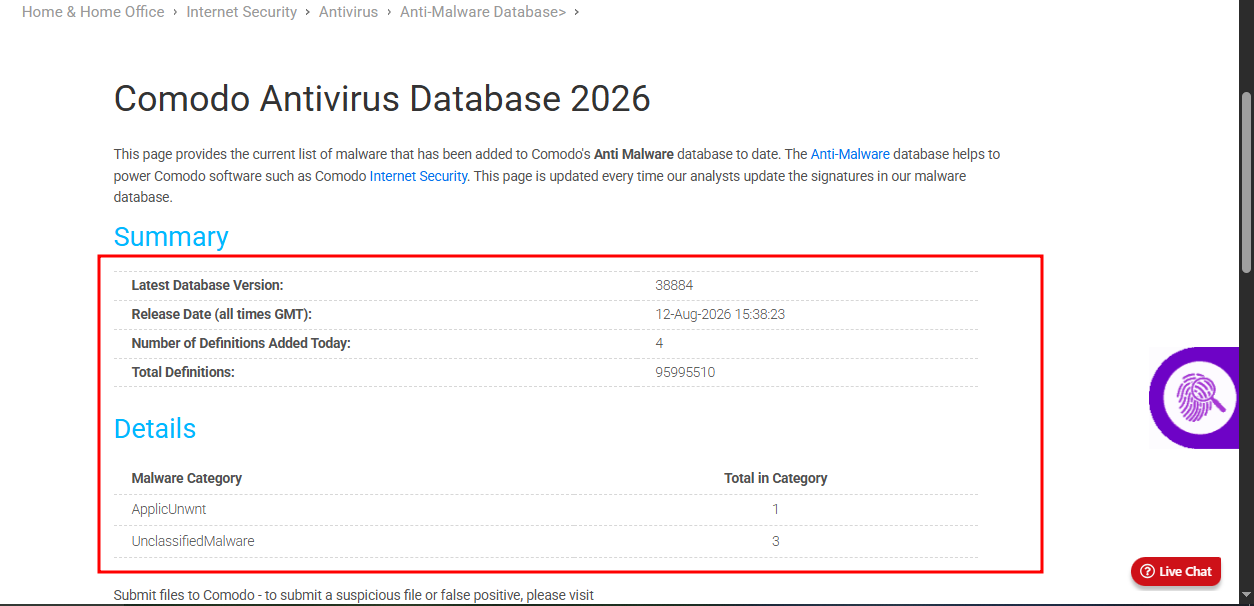
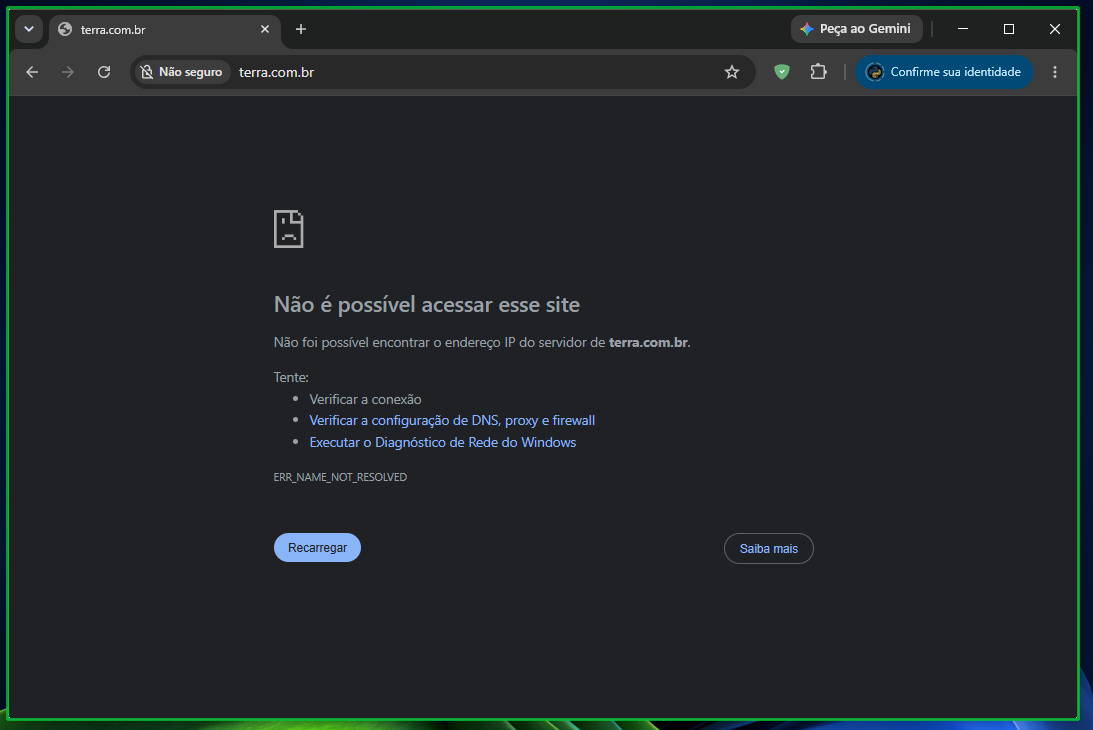
Good evening. In this 2027 version, how do I get the internet working for my sandbox in Comodo?
What configuration steps do I need to take to make it work?
Hi New_Style_xd,
May I know which browser are you using ?
Thanks
C.O.M.O.D.O RT
Hi New_Style_xd,
Thank you for reporting.
Let me check and update you.
Thanks
C.O.M.O.D.O RT
1 Like
I’m using Google Chrome, but it doesn’t work with other browsers…
…or any program that uses an internet connection.
I using edge without any problems.
I don’t think you understood my post.
I’m saying that if you run the browser inside Sandboxie, the internet doesn’t work within it—as shown in the image from previous comments I’ve made.
Internet Explorer is no longer exist in windows 10 and Windows 11. That coming from a simple search on internet Explorer
Have you tried Cruelsister’s recommendation?
Comodo Firewall- The Cruelsister Variation
From 3:43
You didn’t understand what I said earlier.
First of all, I haven’t used Internet Explorer in over 15 years.
To clarify: I’m using this to launch Google Chrome, but the internet doesn’t work inside Sandboxie.
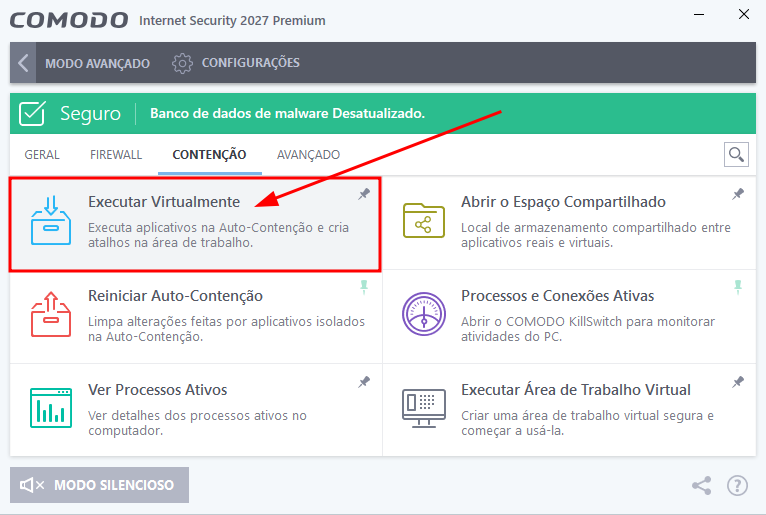
If you open the browser at the location I indicated in the image above, the internet doesn’t work—there is no connection.
Do you understand now?
Yes, that video is over 8 years old; Comodo has undergone changes since then, and the Sandboxie settings have been tightened, preventing the connection.
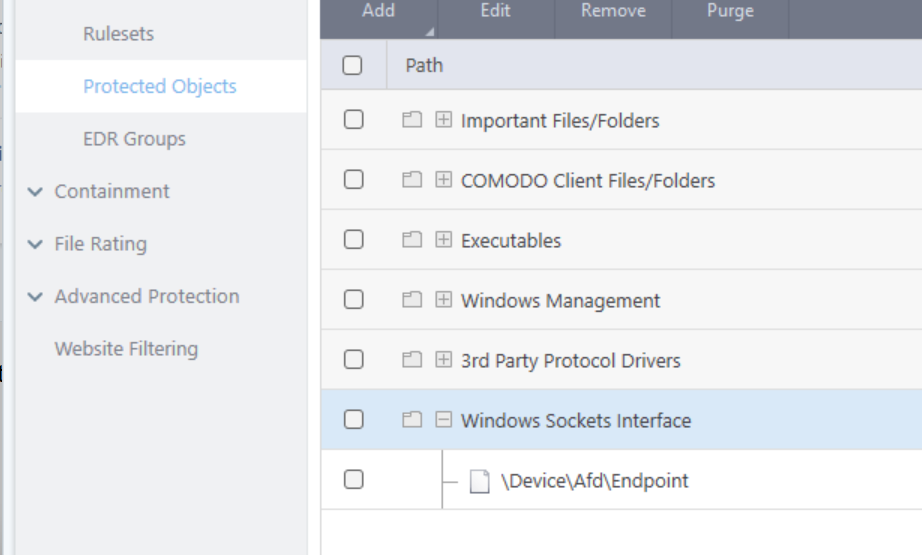
The confusion may be because Sandboxie is a separate program entirely. The reason you can’t access the internet when your browser is in Containment is because of a CIS fix a few versions back which adds Winsock Interface to Protected Objects. I haven’t found a safe workaround. Hopefully @C.O.M.O.D.O_RT may be able to assist.
1 Like