Hello,
When installing software, it’s always worth knowing how to uninstall it.
Do you always need to use ciscleanuptool_x64, and if so, which version and where can I download it from?
Thank you for your reply.
Hello,
When installing software, it’s always worth knowing how to uninstall it.
Do you always need to use ciscleanuptool_x64, and if so, which version and where can I download it from?
Thank you for your reply.
Hello, I am reporting another error in addition to the POC.
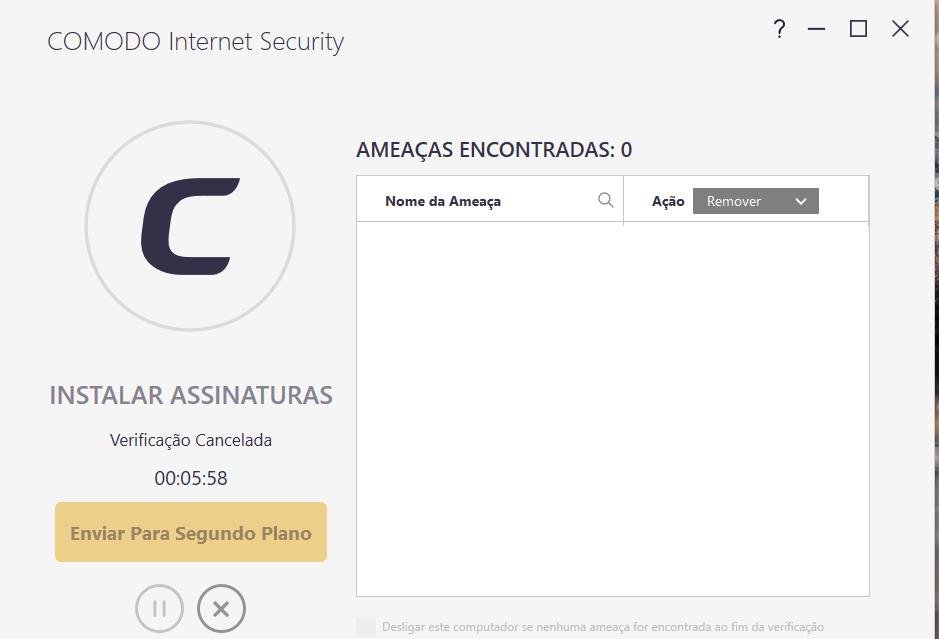
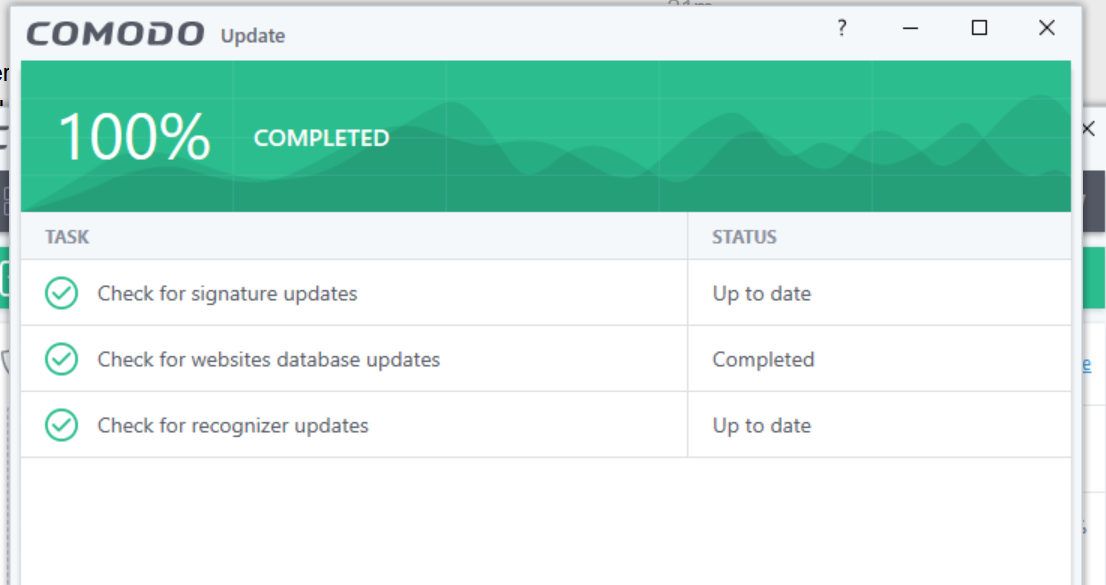
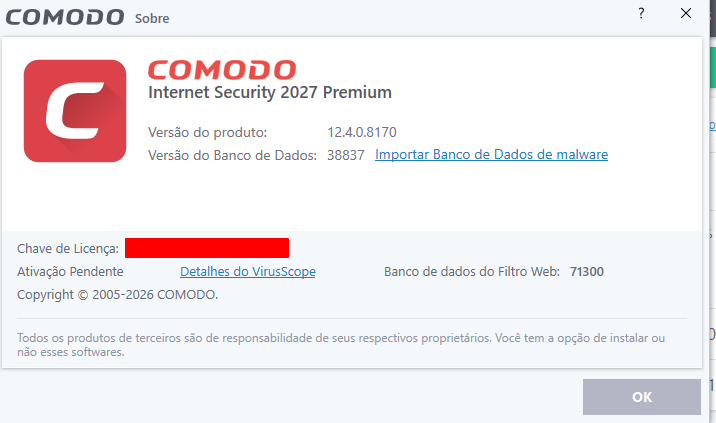
This error occurs when I install COMODO for the first time: it attempts to update but fails to do so. It has been hours, and it still hasn’t updated; I believe this is a bug.
Could you please fix this issue?
This happens when the antivirus is installed for the first time and does not update.
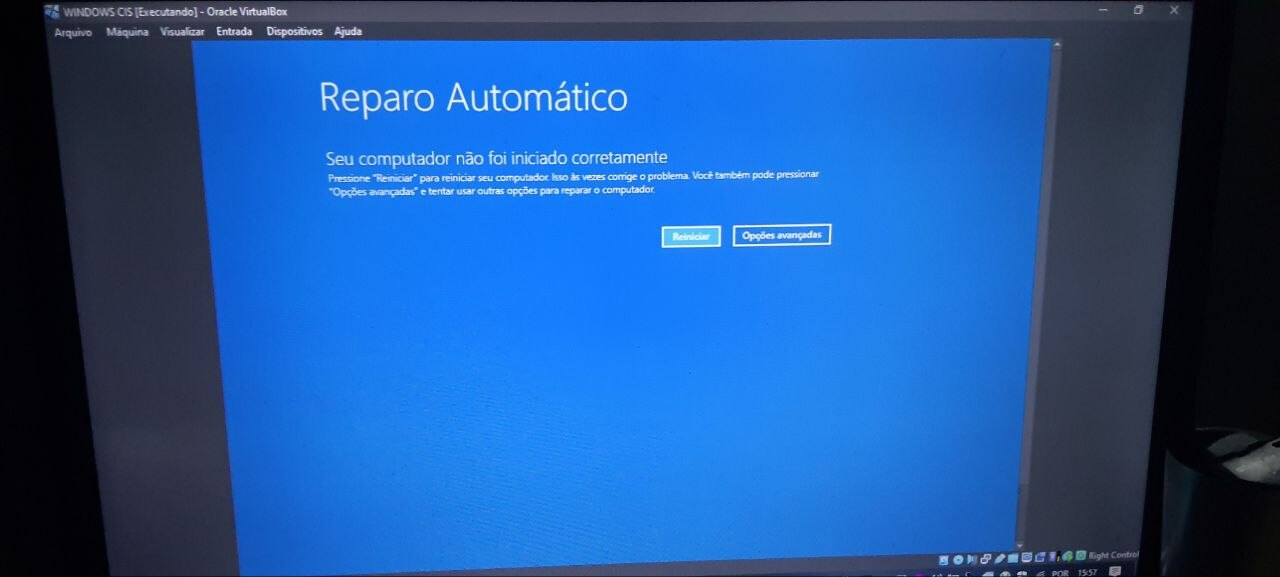
This ZIP file cannot be considered legitimate by the Comodo cloud; if you run it, the containment feature doesn’t block it, and upon restarting the computer, Windows gets broken—as shown in the image below.
Attachment removed by moderator. Please only provide file hash in future.
File determined unsafe on Virustotal but clean on Comodo Verdict Valkyrie
You should tell us your os and edition and version.
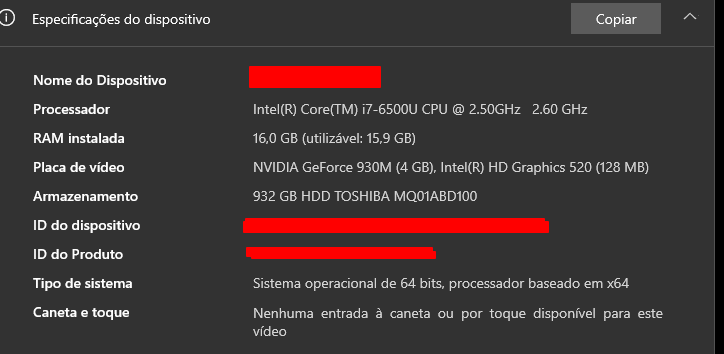
Sounding like your install is having issues. Did you upgrade from the old version or fresh install?
I removed your attachment as not allowed on this forum. Just provide the SHA1 next time.
Nothing seems wrong after I ran the file (SHA provided below) and restarted my computer—though it did break my Windows installation. Since the file is currently listed as legitimate in the Comodo database, I am asking you to remove that “legitimate” status and mark it as dangerous as soon as possible. If you don’t believe me, take the file and test it on a virtual machine; it will break Windows.
This is the
SHA-1: 275a1a4cdae156036639a3a4113b128fb5279d13
SHA-256
3f6c16f45b77b17f9cd70abafe5e25db7caa21b44065b0ecdbe12b90c825903a
It was tested by Comodo Verdict Valkyrie.
It deems it safe, but it isn’t.
Run the test and you’ll see the computer ends up the way I showed—it breaks, and you can no longer log into Windows.
You can create a free account on https://verdict.valkyrie.comodo.com/ and Object to verdict which I have done. Or submit the hash numbers as Blacklist in This Topic
I’ve already done this, but I want to post it here so everyone knows this file is dangerous—it broke Windows—and someone here needs to flag it as unknown and dangerous. Who can do that?
The one who monitors the blacklist @FlorinG who will respond your blacklist post when they’ve updated the signature.
I’ll be standing by and checking my virtual machine to see if the fix is applied.
Thanks!
You did not answer my question
Maybe I missed something, but where is this zip file coming from? Are you saying it’s part of/or dropped by the Comodo 2027 installer?
EDITED to add: or is this simply correcting the way a random file was categorized?
I am using the new version with the update. I ran CCE on my PC twice (using the “intelligent” setting)—once before the update (update of 8170) and once after update of 8170. Both times, I got a Blue Screen after restarting, and the PC required repair. The first time, a file was missing or corrupted (not a Windows system file, but rather malware; the names were different each time—the first was something like bjtk.sys, the second similarly “cryptic”). After a system restore, there were no further issues; no malware was present, and no such file was found. I haven’t experienced any more Blue Screens.
Edit: Test by shadrowa  :
:
I don’t think I have a ‘normal’ system, but running Windows 11 Pro 10.0.26200 with a VeraCrypt drive, CyberLock (as a just in case), an Explorer replacement and a few other extras. Uninstalled CIS 2025 - 8162 through Control Panel, rebooted and installed this 2027 version. Installed KillSwitch and ran the CIS update yesterday
Imported the previous Config which is using the Cruel Sister settings and no problems at all. I’ve tried everything in CIS since then - Scans, Settings. Virtual Desktop and CCE w/o any problems. It’s solid, stable and runs just as expected
The foundation of a so-called clean installation 
Would appreciate a proper changelog that details what’s new in 2027 version and not just explanation why HIPS was renamed to EDR and the rest of the app looks exactly the same as CIS from 2024/2025… This can’t be the only improvement to CIS in all this time… surely…
Look like you might need to update your ■■■■