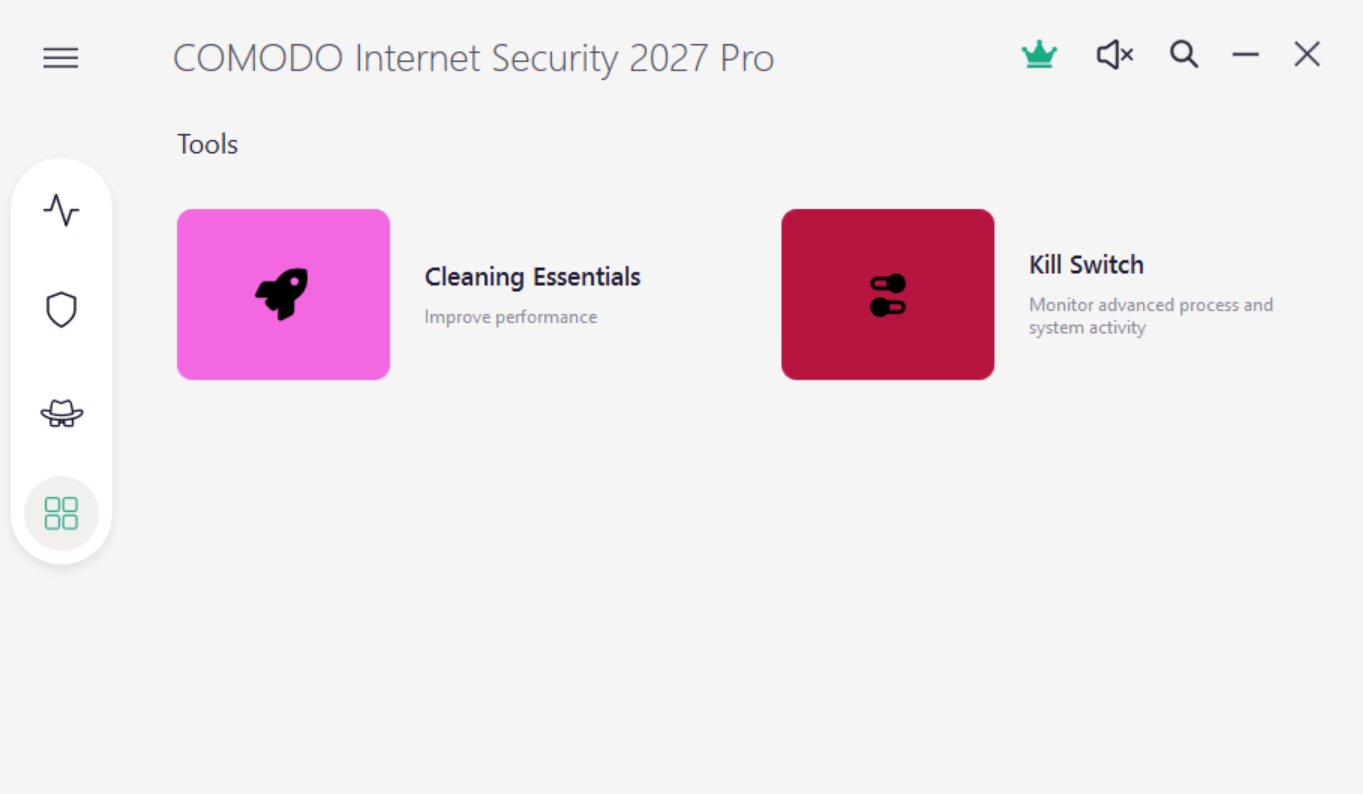
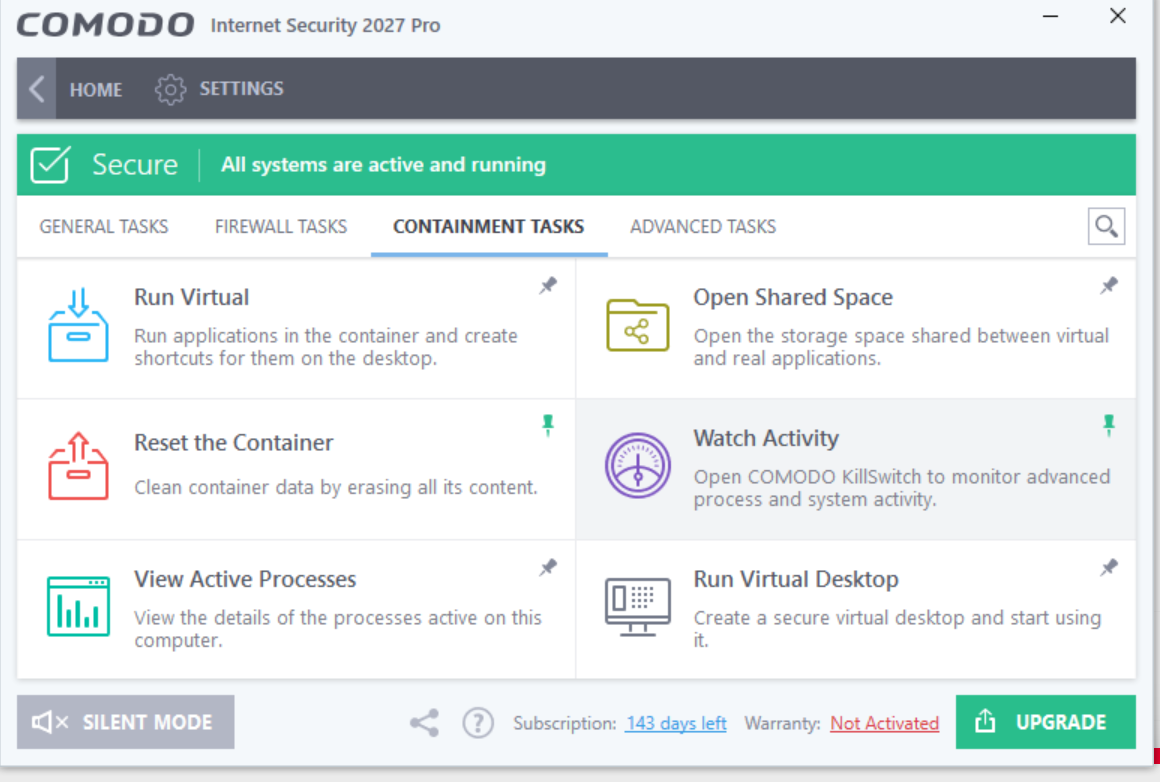
Yes, I know Killswitch is safe with CyberLock scan as I run it along side Comodo. I’ve not used CCE in recent months but from memory SiriusLLM in Cyberlock also detected that as safe. These on demand checks don’t clarify what the security issue is with them as it could be a certificate issue or a vulnerability.
1 Like
I don’t use either of them myself—partly due to potential security concerns, and also because Killswitch tends to cause issues with my PC.
AI “says”:
No, the original file itself is not dangerous (i.e., it is not malware). It is a legitimate, advanced system monitoring tool (similar to the Windows Task Manager).
There are two main reasons for security warnings:
-
False positive:
Because Killswitch possesses extensive privileges—allowing it to monitor, manipulate, and terminate other processes—some security vendors classify the tool as potentially risky due to these powerful capabilities. -
Misuse by malware (camouflage)
I believe that AI is correct, and that it hasn’t arrived at this assessment simply through positive reviews from “fanboys and …girls.”
A CVE doesn’t get flagged by “Security Scanners” like that. If you wanted to inspect it for the CVE you’d have to do fuzzing and a lot of other things on the applicatio to discover what the weakness (supposedly) is. Or just point a good model on it and ask it for a thorough security review including disassembly/decompilers etc. Which is probbaly what was used to find the issue to begin with (I would assume).
The other alternative is that someone hacked Comodo and inserted some ‘special code’ in one of the distributed versions, which is obviously a lot more serious and they would have to say what it is - i.e you would know already if there was malware that those “free online scanners” would either flag as all clear or “suspicious generic bs” since they haven’t given it a name yet.
So most likely it is is something that either breaks Windows when it cleans the wrong thing (If its that cleaning thing) or that Killswitch triggers an EOP or executes code under the right conditions (like, you execute it from downloads and the user somehow has a fun file, like version.dll) in the same area, or that it reads processes and if you have the right process running, when KillSwitch interacts with that process, you trigger the “attack” code, which seems pretty far fetched considering the low footprint Comodo has, compared to all the manure “security software” out there.
My guess is that its a “rare condition, i.e. planets aligned, you have WIndows 95 and you execute KillSwitch.exe from a 5.25” floppy disk" that under those conditions would allow an unauthenticated user to gain SYSTEM Privileges or something along those lines. (Which obviously warrants a 9.9 score and a website with a fancy name + avatar for the “vulnerability”).

A really rare condition.

We cannot normalize these issues by claiming they are rare.
Because we need this fixed as urgently as possible.
well… im not impressed by the delay. but still… some dev come here, say “hey. dont install it and if you have it installed, remove it asap. its dangerous. there is a flaw on it. we will figure how to resolve this”. and the time goes on… and on… and on… and nobody comes here to explain whatahell is going on?
1 Like
AI analysis also indicates that Comodo has recently experienced significant issues with its digital signatures and certificates. The program itself is not a Trojan; if it were, major security solutions like MS Defender, Kaspersky, or Bitdefender would immediately raise an alarm—rather than just a subset of the engines (albeit nearly one-third of them) found on VirusTotal. When alerts come primarily from smaller or hyper-sensitive engines—such as MaxSecure, Bkav, or Jiangmin—it is likely a false positive. However, one should be wary of security vulnerabilities: the tool itself is potentially susceptible to them.
But that is, after all, the main point.
Well, that’s not exactly reassuring, either.
1 Like
CIS 13.0.0.8192
► Kill Switch and Cleaning Essentials: Security Fix
Access to the Kill Switch and Cleaning Essentials component is now restricted to administrators and the system, and the component now checks which application is calling it. Unneeded low-level operations were removed, validation of the data passed to the component was strengthened, and the component can now be unloaded properly. This resolves a security issue affecting CIS 12.4 and 13.0.
4 Likes
Great! Do we know when CIS 13.0.0.8192 is going to be released?
4 Likes
Hello, this will be released via Comodo’s internal update mechanism, which avoids the need to uninstall and reinstall the software from scratch. Please note that I have several machines with clients who use Comodo.
I need the update to be handled through Comodo’s built-in updater.
Thank you!
1 Like
KillSwitch 13.0.1.8194 is now available via the internal Updater (CCE.exe. CCEImageRes.dll, and Autoruns.exe are also updated). Please note that these are the files that are changed- the Comodo application itself remains at Build 8170, so no uninstall/re-install is needed.
Note that the current VT detection is now similar to the old KillSwitch version, namely an initial BitDefender “Gen:Variant.Application.KillSwitch.4” definition that is copied by a few other products that buy their definitions from BD:
1 Like
Spot on M . . Got the update notification in the UK about half an hour ago. Flawless process and everything updated as you said. Reboot and all fine. Many thanks
2 Likes
It is released today
2 Likes
Thanks  Was at work earlier but updated without issue now

Hello, I’m from BRAZIL. Does anyone know when it will arrive here in my country? It hasn’t arrived yet.
I’m back—after 30 minutes of trying and clicking to check for updates, the update finally appeared. I’m not sure what it was; if anyone knows, please leave a comment. Thanks! Everything is updated now.
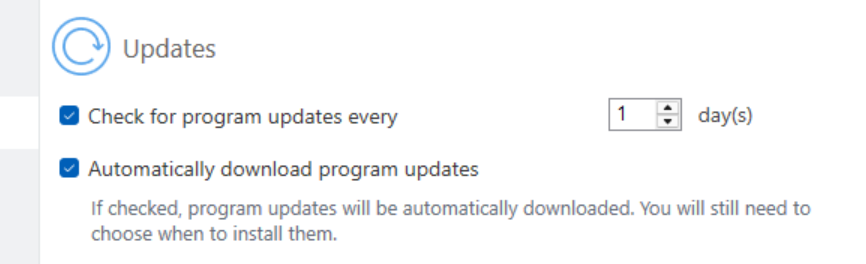
CIS checks for Program Updates once a day. As I have explained before, if you are using the Lycia theme, you can do a manual update from the basic menu and it will manually check for an update.
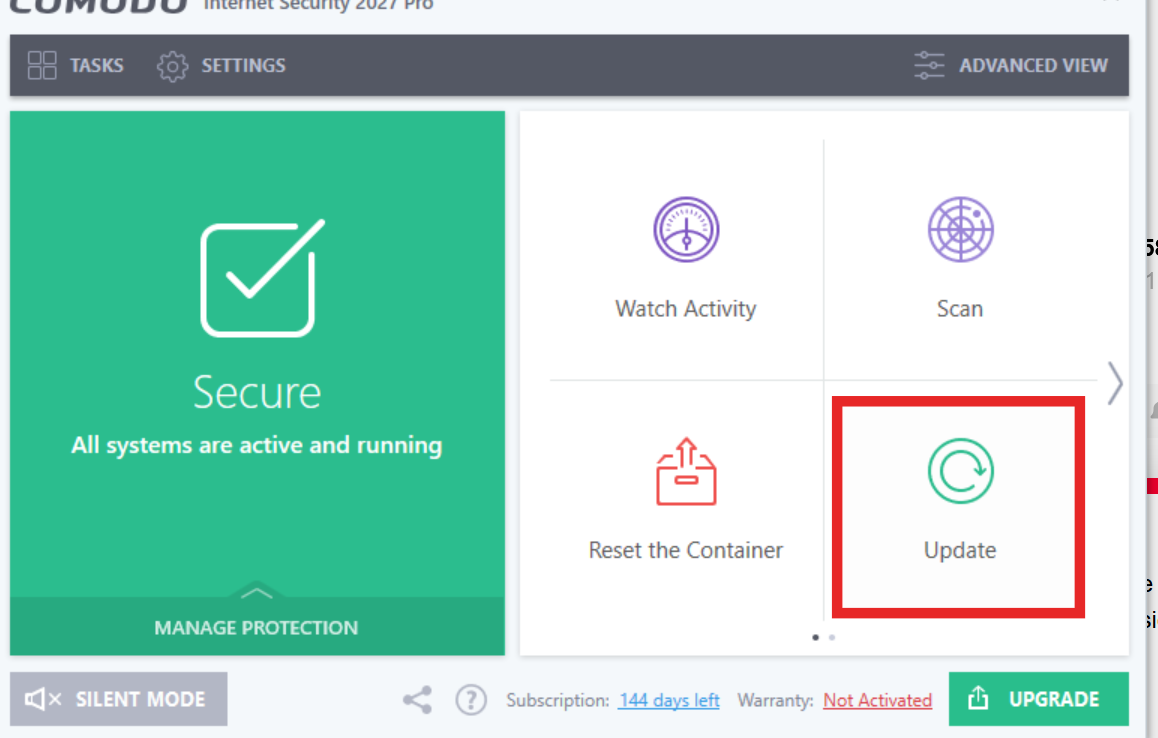
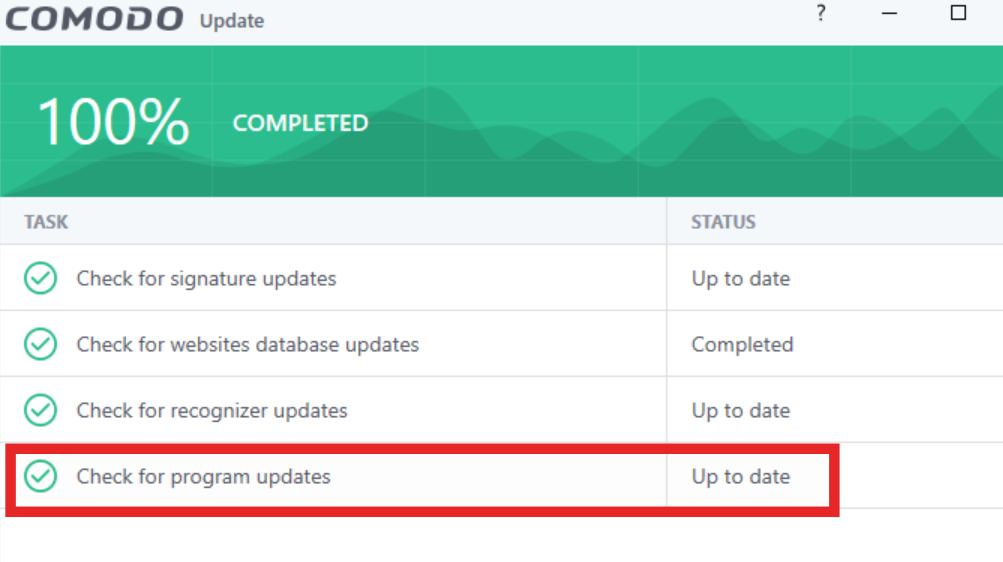
If you are using the new UI, just manually clicking Update will automatically check for Program Updates.
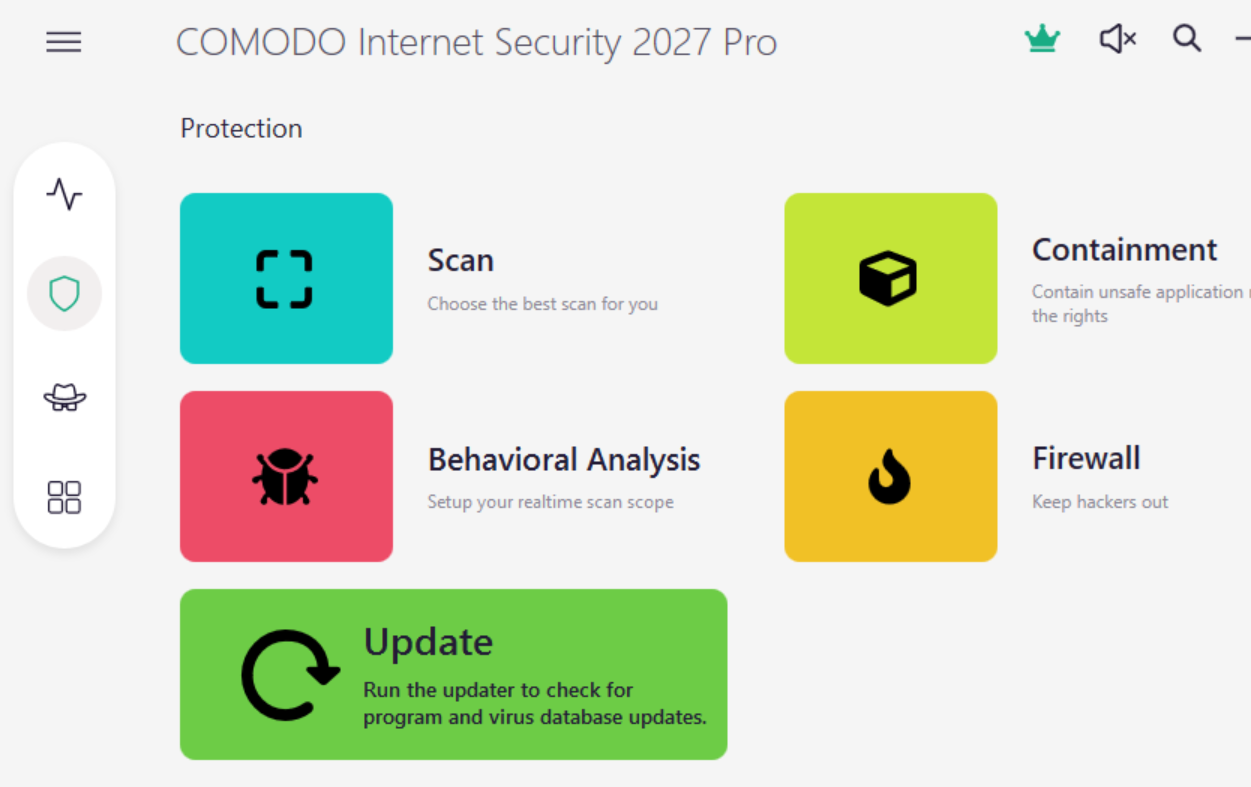
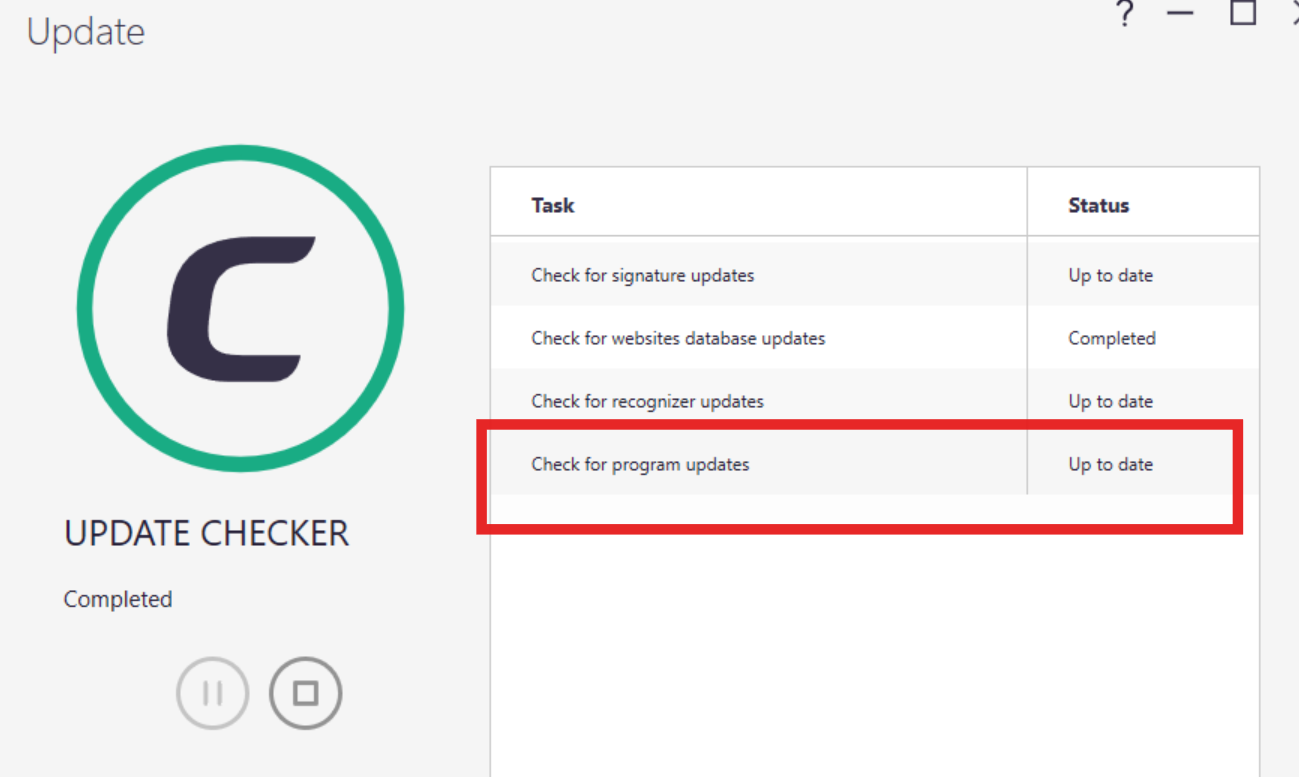
Obviously this update will only happen when you have Killswitch installed but it does now install with the 13.0.xxx but you’ll still find a program update which updated certificates.
1 Like
Thanks for fixing this long lasting issue!!!
COMODO is little bit more “back”!
Cheers!!
B
1 Like
link for Comodo Cleaning Essentials please. For me CIS did not install Killswitch etc. as part of it’s installation.
1 Like