Several modern games made with Unity, Stickman Trenches, Metal Thunder.
And some old games mods, Flipped Missions of RA2YR.
When launched will freeze the whole system. And it isn’t set to “Block”, just “Ask”. My guess is that has something to do with the HIPS interception and with the display driver. Any ideas?
These games are popular and I don’t think it would be good for Comodo to lose users because of incompactability with games/ display drivers.
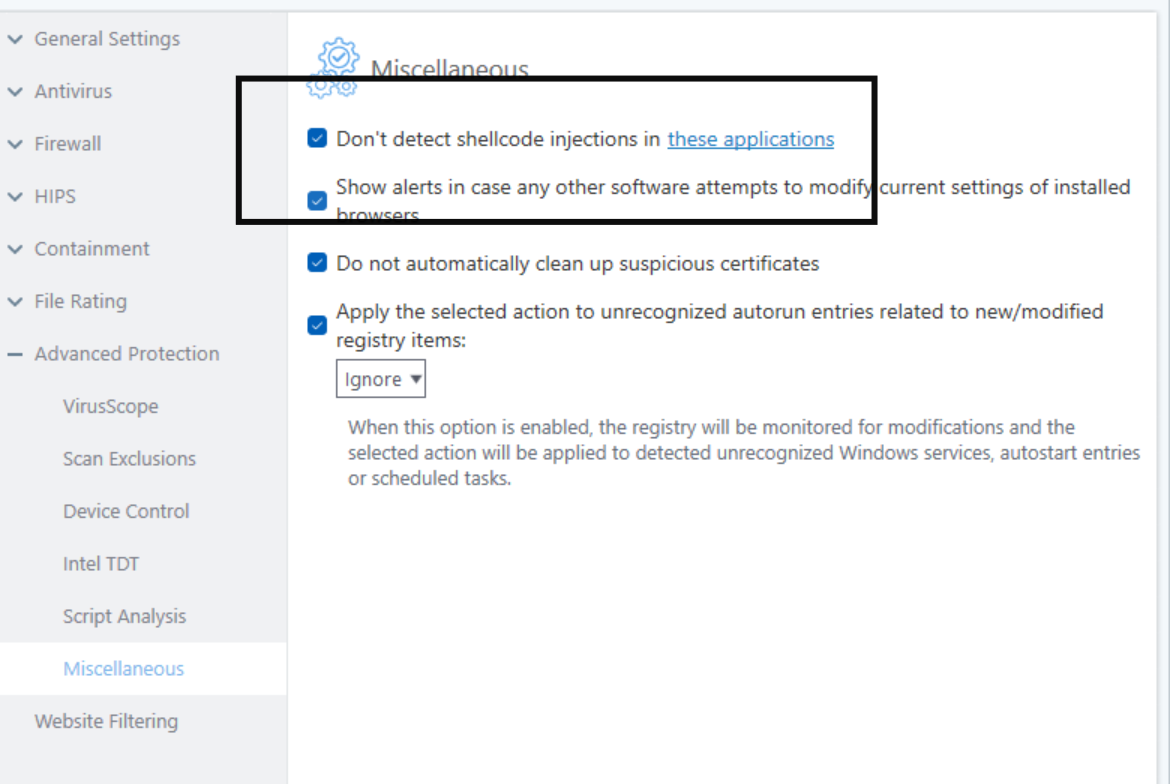
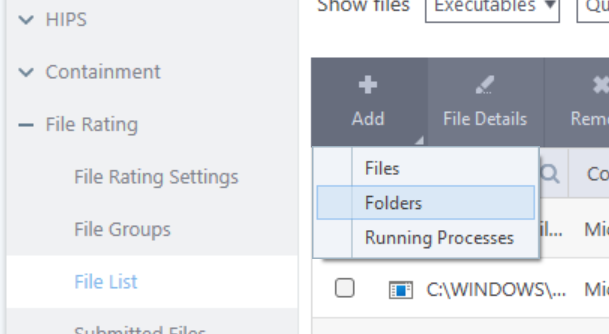
Try adding these games to Shellcode Injection exceptions and Add to Files as Trusted.
Nope. I just tried it, delete HIPS rules for the games exe, then add the injection exclusion. Freezes. Delete the exclusion, add back the “Allow” on “interprocess memory accesses” and all is well again. Any way to log or dump for you to see? Never tried creating logs for such scenario.
EDIT: Oh! I forgot the add to trusted part. I’ll try it now
EDIT2: Well, when trusted, I don’t even have to add it to injection exclusion. I guess trusted means much less monitoring? And base on that assumption, it’s just a workaround, not much of a real improvement. To be clear, I really appreciate your help and am not complaining but since I already got things working again, I don’t really need more workarounds. By trial-and-error, I found the “interprocess memory accesses” to be the key to the problem. So, it’s like I’m reporting a bug, maybe that’s the way to say it?
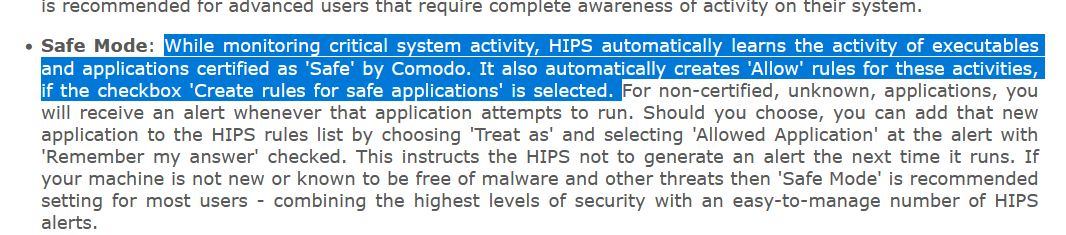
A lot of the protections rely on the file ratings. HIPS is in Safe Mode by default and if a file is safe in the file rating then HIPS automatically learns for Safe Applications so it’ll only really alert you for unsafe or uknownn applications. Usually Comodo automatically analyses files in the background and marks them as safe but you can manually set files as Safe beforehand and that’s what you’ve ended up having to do for the game files.
Anyway, glad it worked for you.