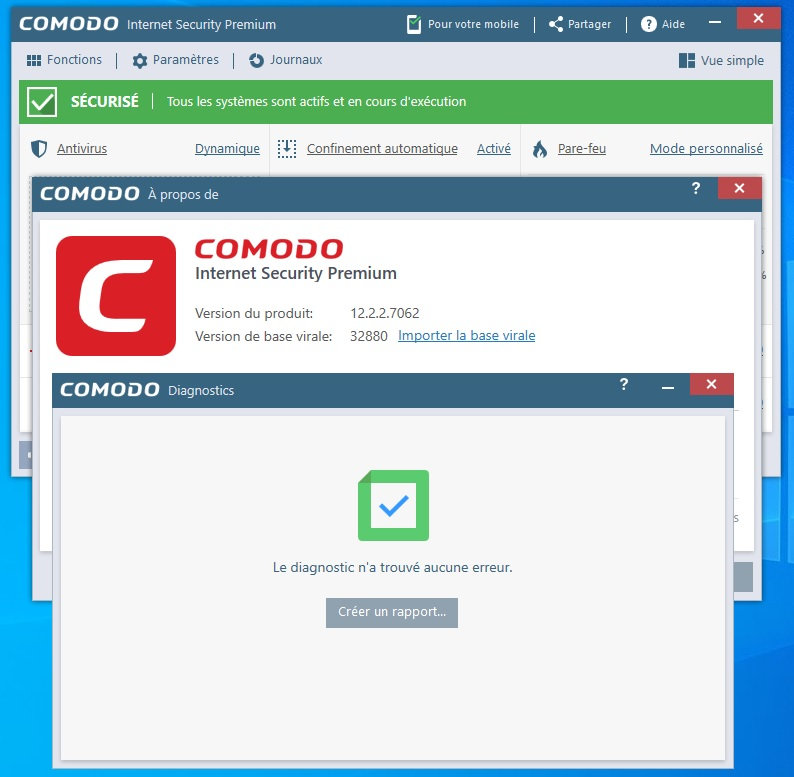
Starting from CIS 6914 version, installing Secure Shopping and Virtual Desktop in Window 10 will cause the Explorer to become unresponsive.
This may be the result of conflicts with Microsoft Edge and Google Chrome browsers, because I have to install these two browsers.
After installing the secure shopping and virtual desktop of Google Chrome, Microsoft Edge and CIS, when selecting a directory, any program will make the Explorer unresponsive when selecting a directory.
Only after deleting the safe shopping and virtual desktop, explorer can let the program select the directory normally.
When you delete safe shopping and initialize the installation again, CIS does not Any response.
To verify the cause of these errors, I reinstalled the system several times.
Of course, it is also possible that my two magnetic software conflicts with CIS, because when copying the magnetic link, both magnetic software will pop up the download dialog box, and the resource manager will crash.
My operating system is windows 10 1909. You can try this error.
I was excited for Comodo Firewall to finally work with WSL. But after the first reboot with Comodo, the Hyper-V switch will not create. Event viewer shows these entries:
The operation 'Create' succeeded on nic C08CB7B8-9B3C-408E-8E30-5E16A3AEB444 (Friendly Name: Default Switch).
NIC C08CB7B8-9B3C-408E-8E30-5E16A3AEB444 (Friendly Name: Default Switch) successfully connected to port C08CB7B8-9B3C-408E-8E30-5E16A3AEB444 (Friendly Name: Default Switch) on switch C08CB7B8-9B3C-408E-8E30-5E16A3AEB444(Friendly Name: Default Switch).
Switch C08CB7B8-9B3C-408E-8E30-5E16A3AEB444 (Friendly Name: Default Switch) successfully initialized.
Port D5A71566-36C8-4B76-932C-AAC5B54FE922 (Friendly Name: Container NIC e4835f48) successfully created on switch C08CB7B8-9B3C-408E-8E30-5E16A3AEB444 (Friendly Name: Default Switch).
NIC C08CB7B8-9B3C-408E-8E30-5E16A3AEB444 successfully disconnected from port C08CB7B8-9B3C-408E-8E30-5E16A3AEB444.
The operation 'Delete' succeeded on nic C08CB7B8-9B3C-408E-8E30-5E16A3AEB444 (Friendly Name: Default Switch).
Switch C08CB7B8-9B3C-408E-8E30-5E16A3AEB444 (Friendly Name: Default Switch) successfully deleted.
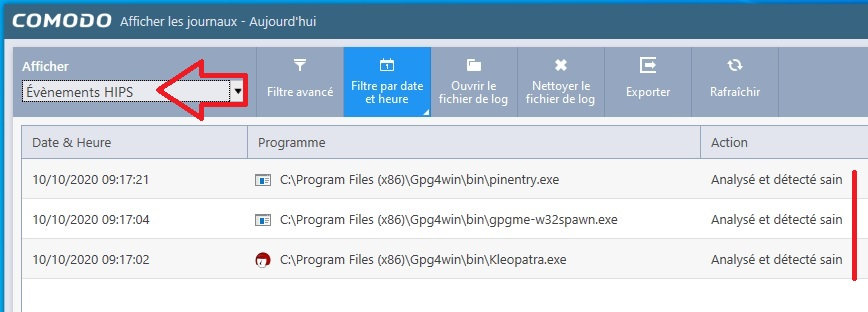
This log is looped and repeated every second. Auto-Containment, HIPS, Viruscope are all disabled and Firewall is set to Safe Mode. A moderator in another thread said the problem was solved? What should I do, are there any other logs I could upload?
Edit: I opened the Containment log and it’s spammed with C:\Windows\System32\wsl.exe
Date App Status Action Policy Cont by Path Hash
2020-10-14 21:38:32 C:\Windows\System32\wsl.exe failed Ignored Trusted Containment Policy C:\Programs\wsl2host.exe E5E5ACB775D9BB2E16CFB3E6E647F959EA0FB179
(cannot upload a file)
This process and service is stuck at a high CPU usage and must be related: C:\WINDOWS\System32\svchost.exe -k netsvcs -p -s NetSetupSvc
No way could I get the last Release to install - online, offline, OTT, clean - but this was easy, is working and there’s a little red icon in the system tray! Well done!
@Metheni. I had two blue screens on my netbook running Windows 8. One crash involved cmdguard.sys with error code 0x50 and name Page_Fault-IN_NON_PAGED_AREA.
The other one did not have a CIS executable involved. According to Blue Screen View ntoskrnl.sys was involved. That crash happened while running Super Antispyware. The error code was 0x1E with error KMODE_EXCEPTION_NOT_HANLED.
I have minidumps of both crashes. If you are interested send me a pm and I will provide a download link for both minidumps.
Over the past couple of weeks I have enjoying the performance improvement the light database brings. I have been meaning to post this for a week but it kept on slipping of the agenda. Anyway, my pc responds a bit quicker and snappier and is noticeable in various scenarios. It’s a nice improvement and a pleasant experience.