Greetings,
When I turned on the PC today, Copilot wouldn’t load; its GUI would open a blank window without showing the previous chats or option to start a chat, but this is not the main issue here. Since Copilot was not loading properly, I did close the Windows’ session by login out then login back in, but the issue would persist. Rebooting still resulted in Copilot not loading completely and so does force closing the software and launching again.
After the reboot, I noticed that in the Tray Menu the Windows Security tab wouldn’t show. A moment later, Windows would display a notification saying that both Windows Firewall and COMODO Firewall are turned off (please see the picture below).
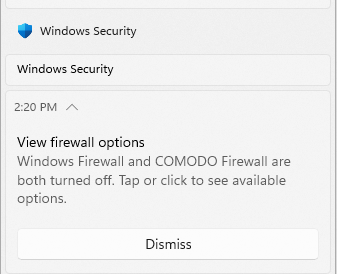
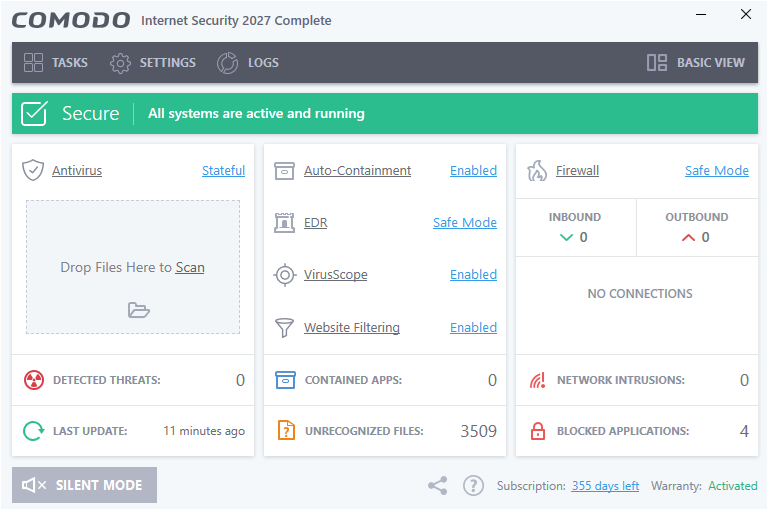
I usually manually turn off Windows Firewall and since CIS is installed Windows Firewall would be time 2 disabled. I did check the CIS main menu and it’s firewall appears as “Safe Mode” and not “Disabled” status (please see the picture below).
As a test, I did open the Edge web browser and connected to two websites, but the CIS widget would show in its Traffic Pane 0 B/s for both inbound and outbound traffic when during the loading of those webpages (please see the picture below).
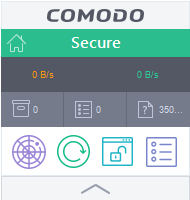
For many minutes afterwards, the CIS widget would still show 0 B/s for inbound and outbound traffic (which is abnormal and maybe could explain the Copilot not loading properly issue although webpages do loads)?
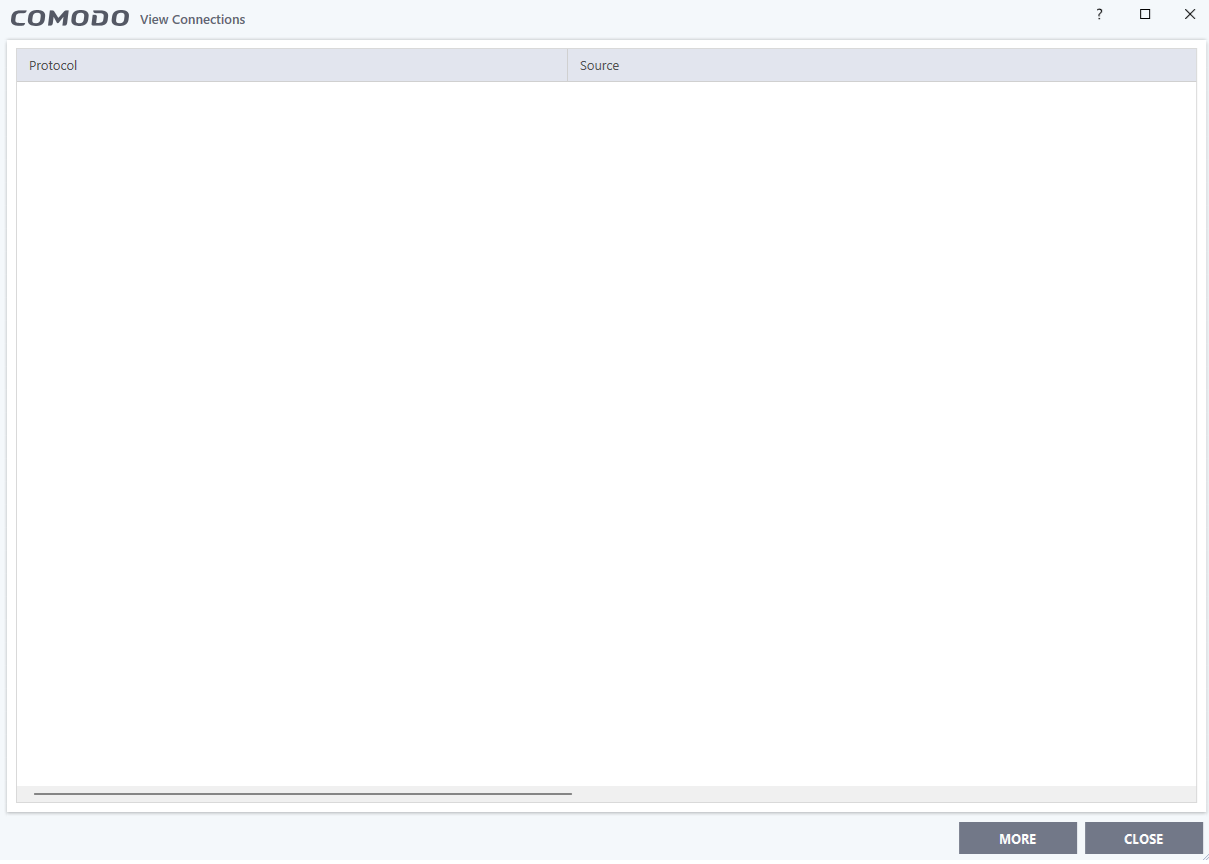
Finally, I opened the View Connection CIS’ window and it’s all empty; no .exe/protocol and their connection(s) appear there (please see the picture below).
My questions are the following:
-
Does the CIS firewall being identified as disabled by Windows, but appeared as ON by CIS itself is a fault in CIS code allowing an attacker to access a PC while CIS would never flag that its defenses are off?
-
Or does CIS firewall is really on, but there would be a visual glitch in the Widget’s “Status Pane” and in the “View Connections” window?
-
How can this be further troubleshoot on my end?
-
What COMODO intend to do about this?
-
How can such an issue be fixed?
Thanks in advance,
Regards,
B
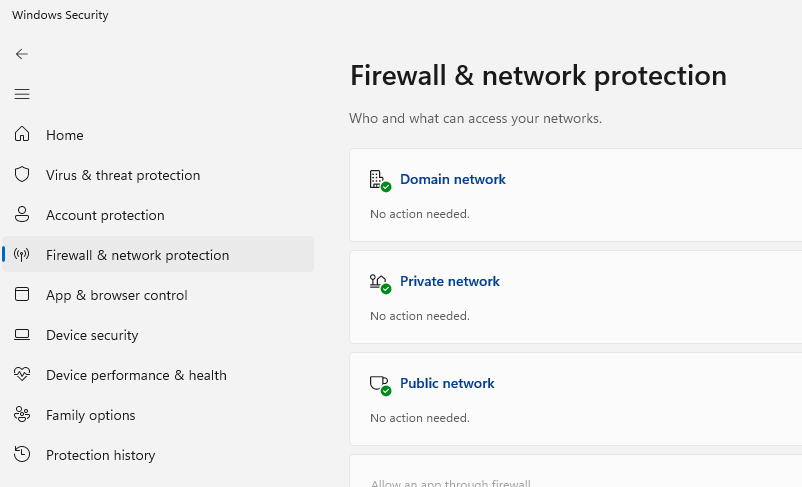
EDIT 1: On subsequent reboots, CIS firewall still shows 0 B/s for inbound and outbound connections although Windows Security > Firewall & network protection shows that the Firewall functionality on the PC is ok; doesn’t need further checks (please see picture below).
EDIT 2: Turning CIS firewall from “Safe Mode” to “Training Mode” didn’t resolve the issue neither turning it back to “Safe Mode”. Disabling CIS Firewall and turning back on didn’t fixed the “bug”. Closing CIS and launching it again didn’t help neither. Changing CIS Configuration (CIS Settings > General Settings > Configuration) from “COMODO - Internet Security” to “COMODO - Proactive Security” also didn’t resolve the issue even after rebooting and returning back to “COMODO - Internet Security” configuration still had CIS widget show 0 B/s for inbound and outbound traffic.