On version 12.3.4.8162.
I want to edit the “Important Keys” group in HIPS to remove the single reg group that causes so many triggers with HIPS that I eventually disabled registry protection from HIPS.
Namely this:
*\Software\Microsoft\Cryptography*
But I then get this prompt.
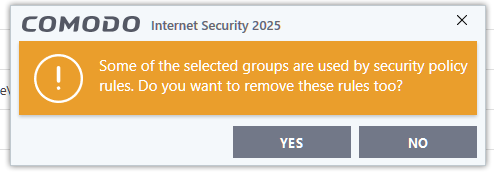
Which sounds like it would delete a lot more than what I wanted.
Suggestion.
Split the HIPS Registry protectiopn into more subgroups, certainly Microsoft Cryptography and \controlset??\services are not on the same level of risk?
Question:
What happens if I press this?
In the meanwhile I have edited the entry so it points to something that doesn’t exist instead.