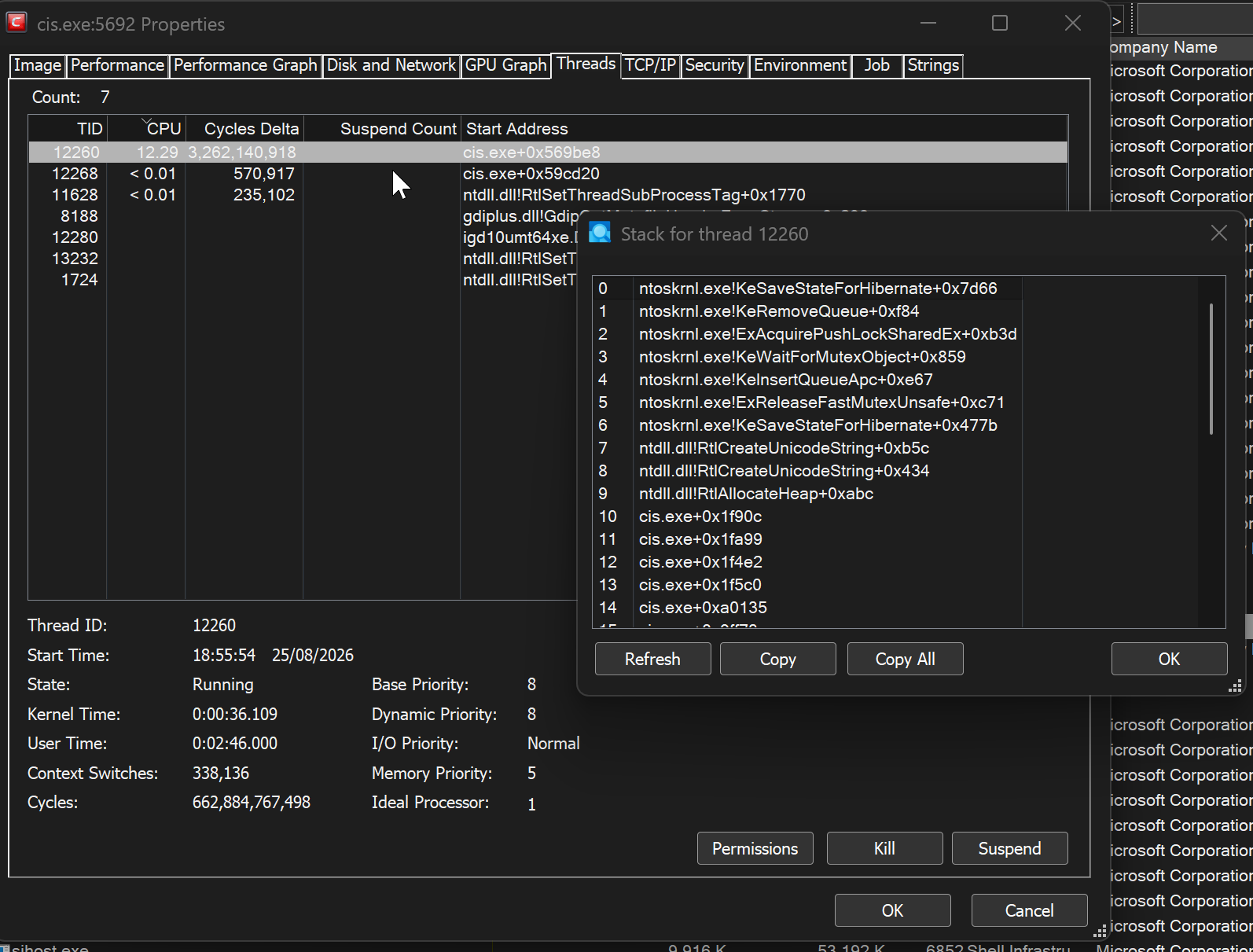
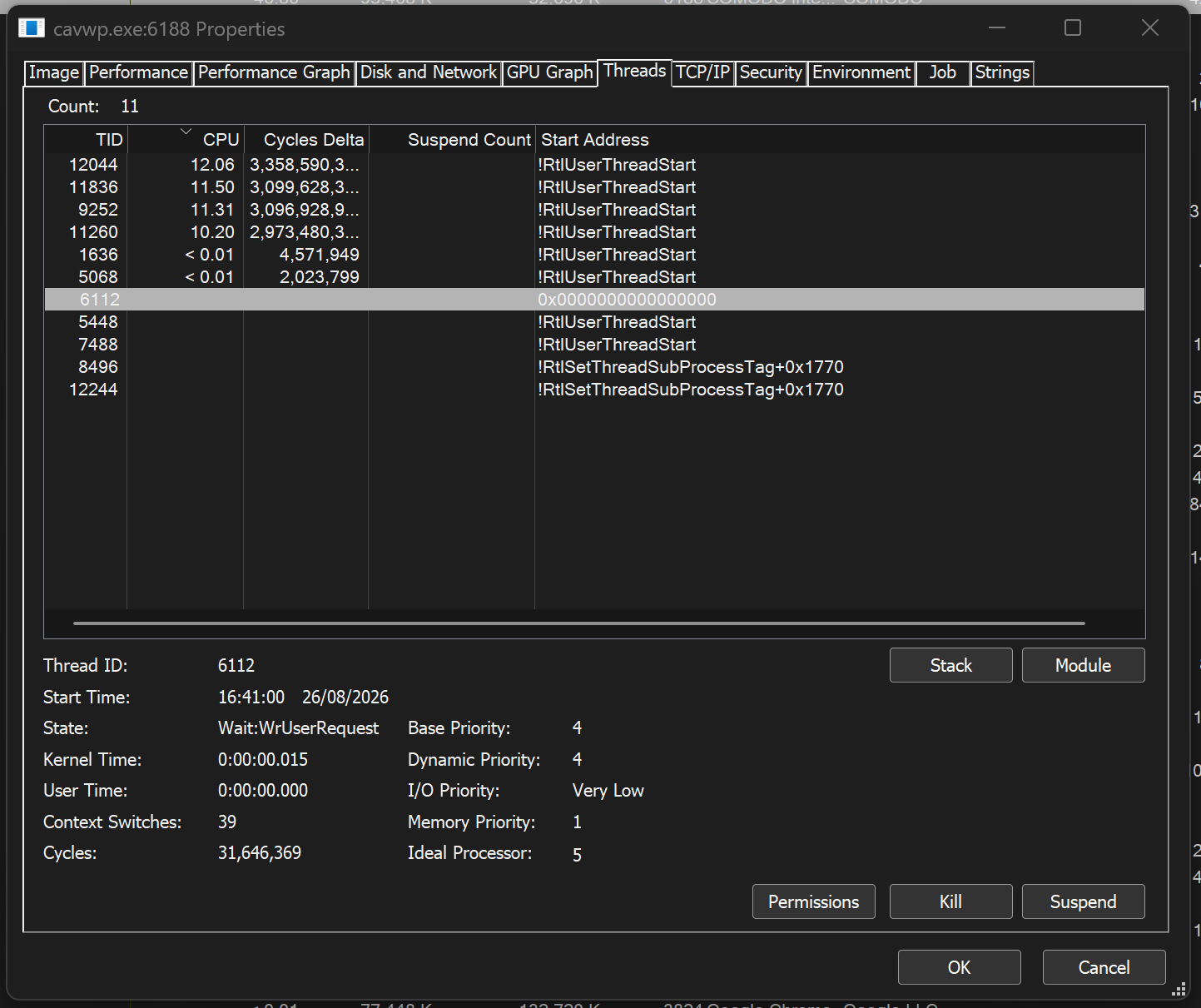
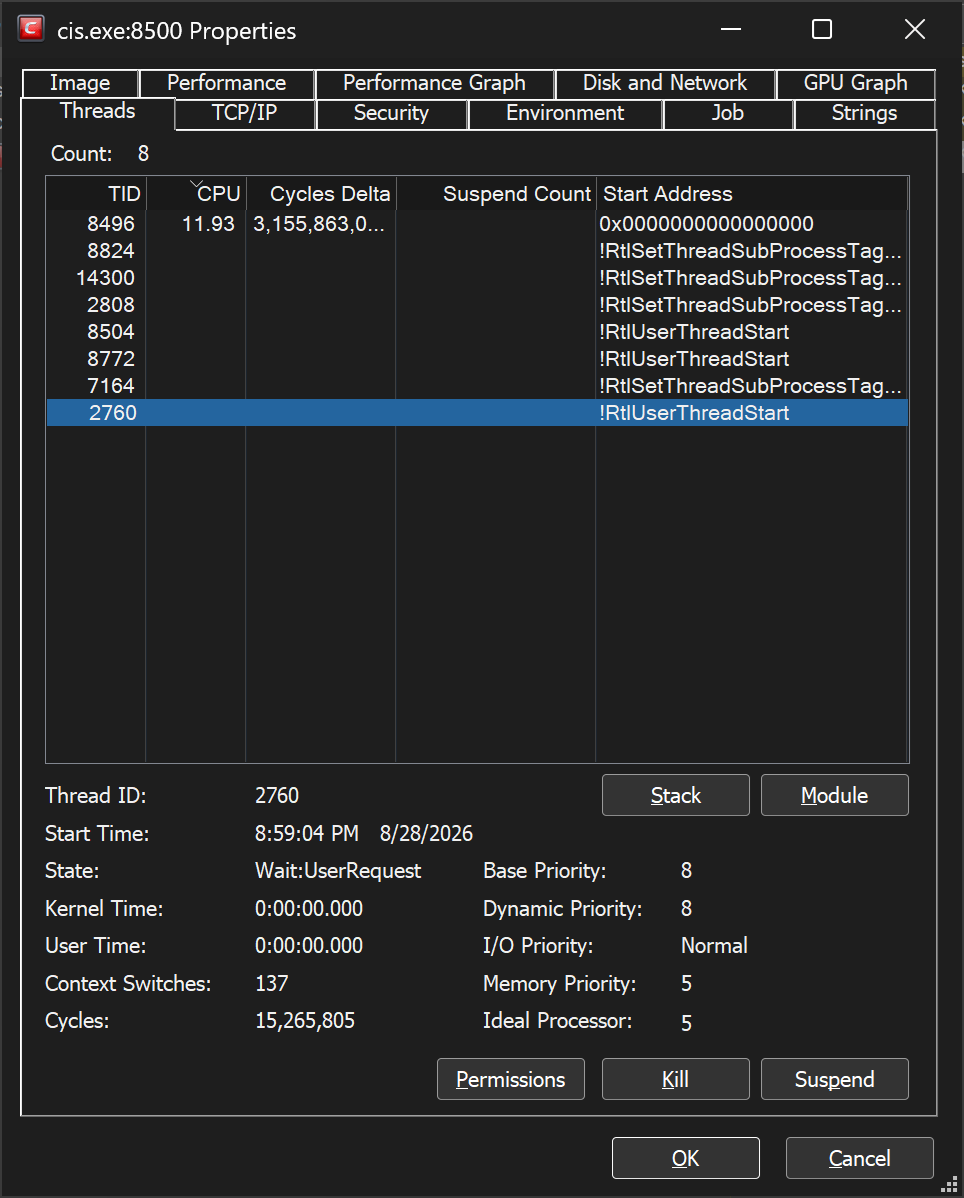
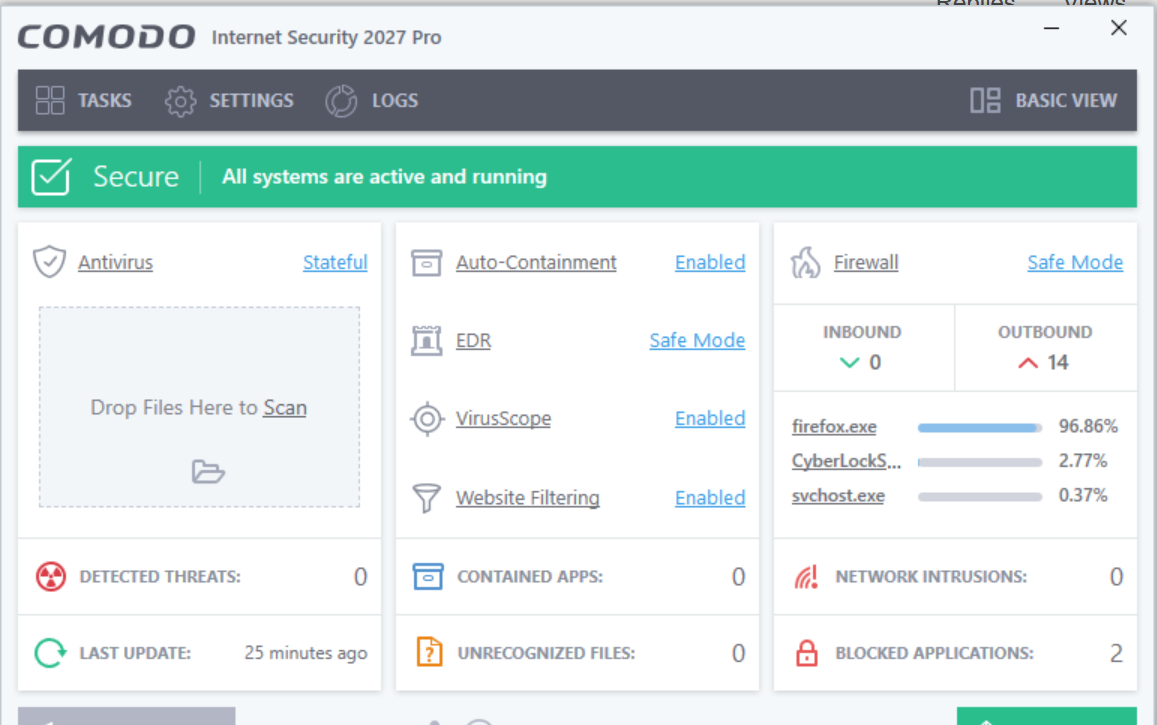
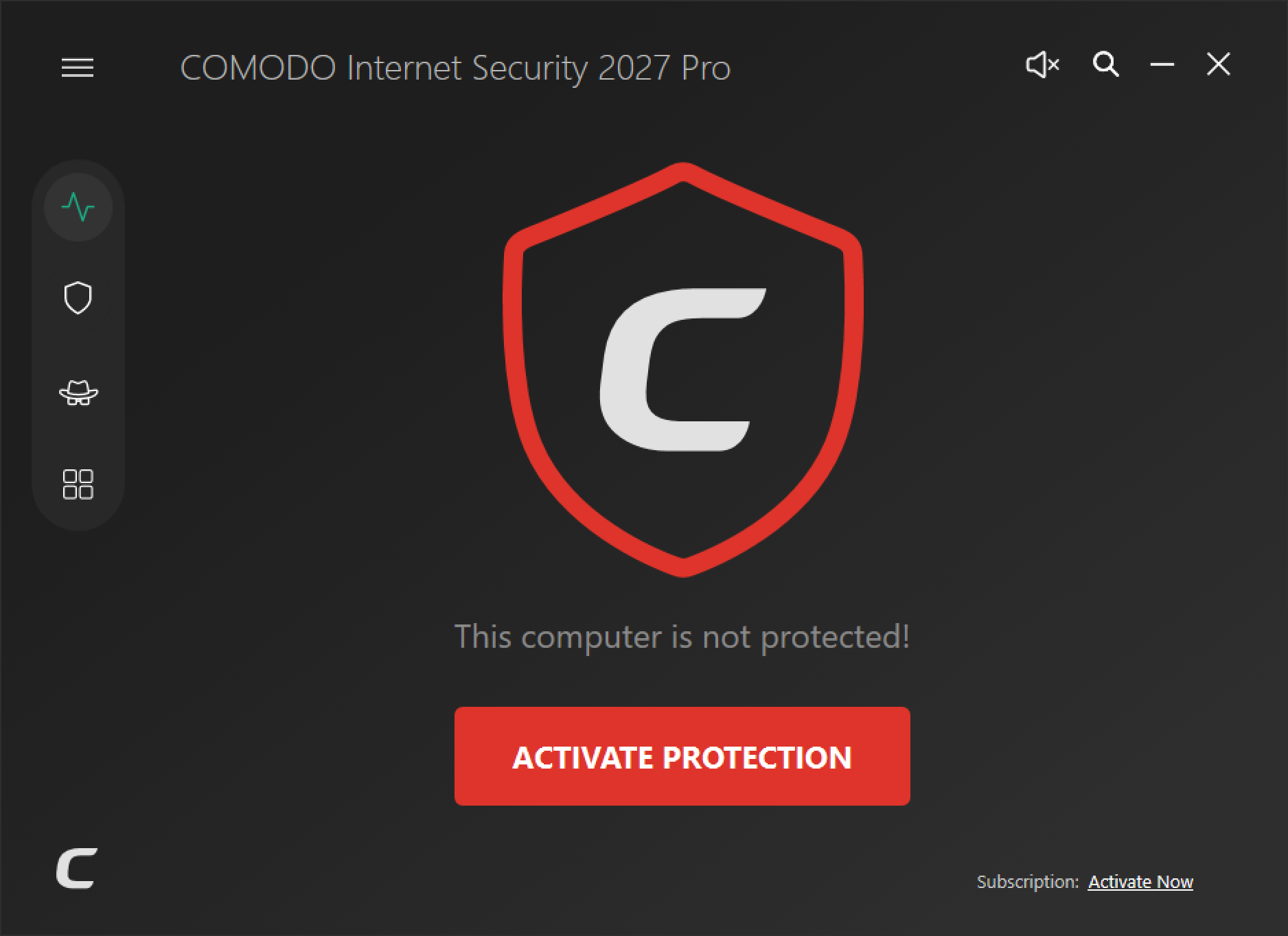
CIS 2027, after a while the GUI gets frozen and unresponsive for some reason (the window is minimized and cannot be restored back, if I’m lucky it works but after a long while). I’ve attached some images of the call stack for the developers to inspect the issue on their side
also, i want to mention that the filter driver attached to my Wi-Fi adapter needs to be unchecked and rechecked again to make certain websites work again. this is a bug that needs to be addressed
1 Like
Ok, after the recent update it seems to fix the issues. but now, i’m experiencing another high cpu usage from a different process. but this time, i cannot get the call stack since it’s a protected process/service.
cpu hits ~50%. to me, it seems like a “malware” is trying to inject a .dll into the protected service and perform what is called RCE. i know bitdefender has a “shield” service that protects their software as an anti-tampering against such attacks, could be interesting to see this in CIS
edit; sorry, it’s a full scan running in the background with heuristic set to “low”.
1 Like
also, i want to mention that the filter driver attached to my Wi-Fi adapter needs to be unchecked and rechecked again to make certain websites work again. this is a bug that needs to be addressed
I want to confirm that with latest version, 12.4.0.8170 database 38914 it still happens when a “bad actor” tries to compromise my system (or better yet, the NIC adapter), but it still exists but very subtle. you see, i’m connected to the internet through mobile hotspot, so a bad actor might cause a malfunction in my wifi adapter (driver?)
edit; wmiprvse.exe is being executed on my wifi adapter (NIC) which causes some settings to change or whatsoever, i’m still trying to investigate this deeper. when i have new results, i’ll keep coming back here with updates.
I have written this powershell script to make it easier for me to “refresh” the adapter in order for my internet continue working. i’ll continue to keep an eye on it, if there’s a way for me to provide extended information such as verbose debug details, tell me how and i’ll supply them.
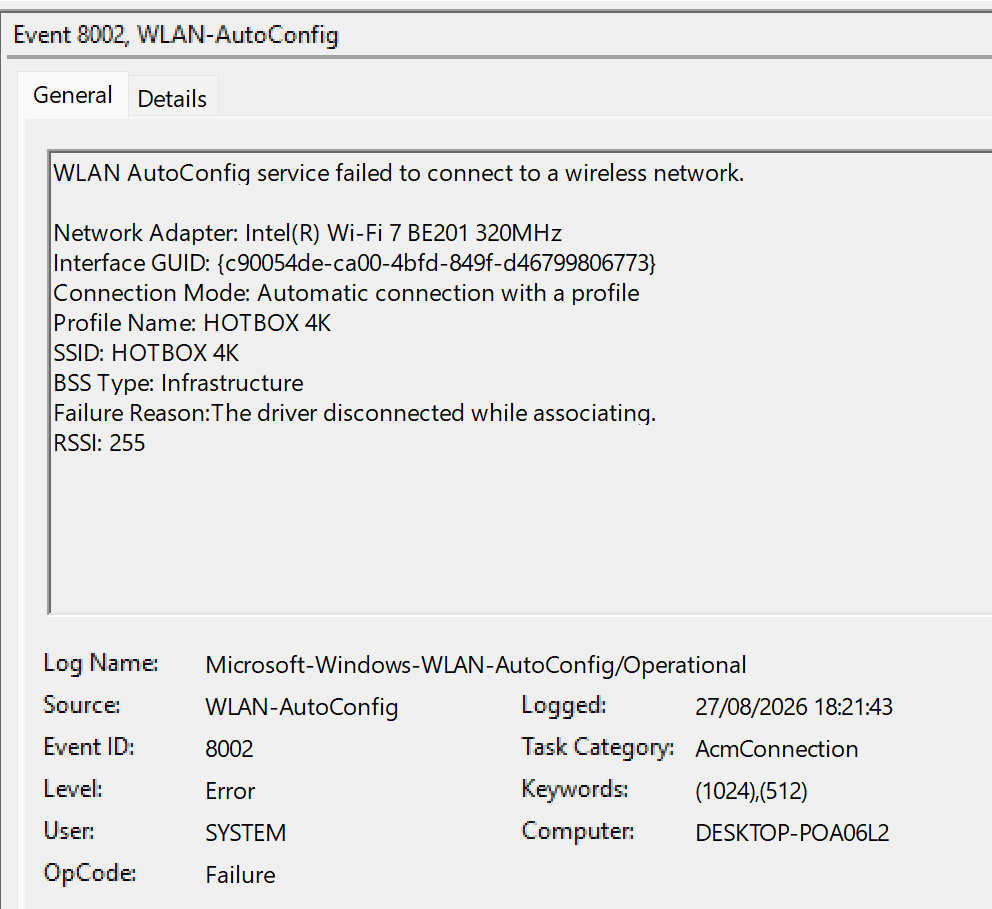
in the picture, this is the operation that causes me to run the script below in order to restore connection back on my laptop.
$a=Get-NetAdapter -Name "Wi-Fi"
$e=(Get-NetAdapterBinding -Name $a.Name -ComponentID inspect).Enabled
Disable-NetAdapterBinding -Name $a.Name -ComponentID inspect -Confirm:$false
Write-Host "COMODO disabled. Press Enter to restore."
Read-Host
if($e){Enable-NetAdapterBinding -Name $a.Name -ComponentID inspect -Confirm:$false}
Write-Host "COMODO restored."
also, is it possible (i might be wong) that the driver causes bottlenecks in my bandwidth? i may be wrong, don’t take it for my word.
1 Like
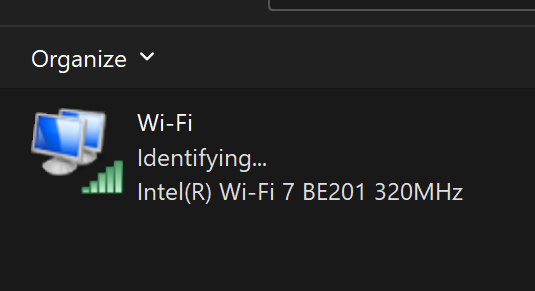
I want to mention another thing, wifi icon shows connected but the NIC is still trying to perform a connection successfully. that’s where i need to run the powershell script to make internet on certain websites work again, frustrating. indeed a bad actor in my computer found a way to bypass CIS.
also, i think the container feature has been bypassed as well. if i’ll find interesting logs in event viewer i’ll share here.
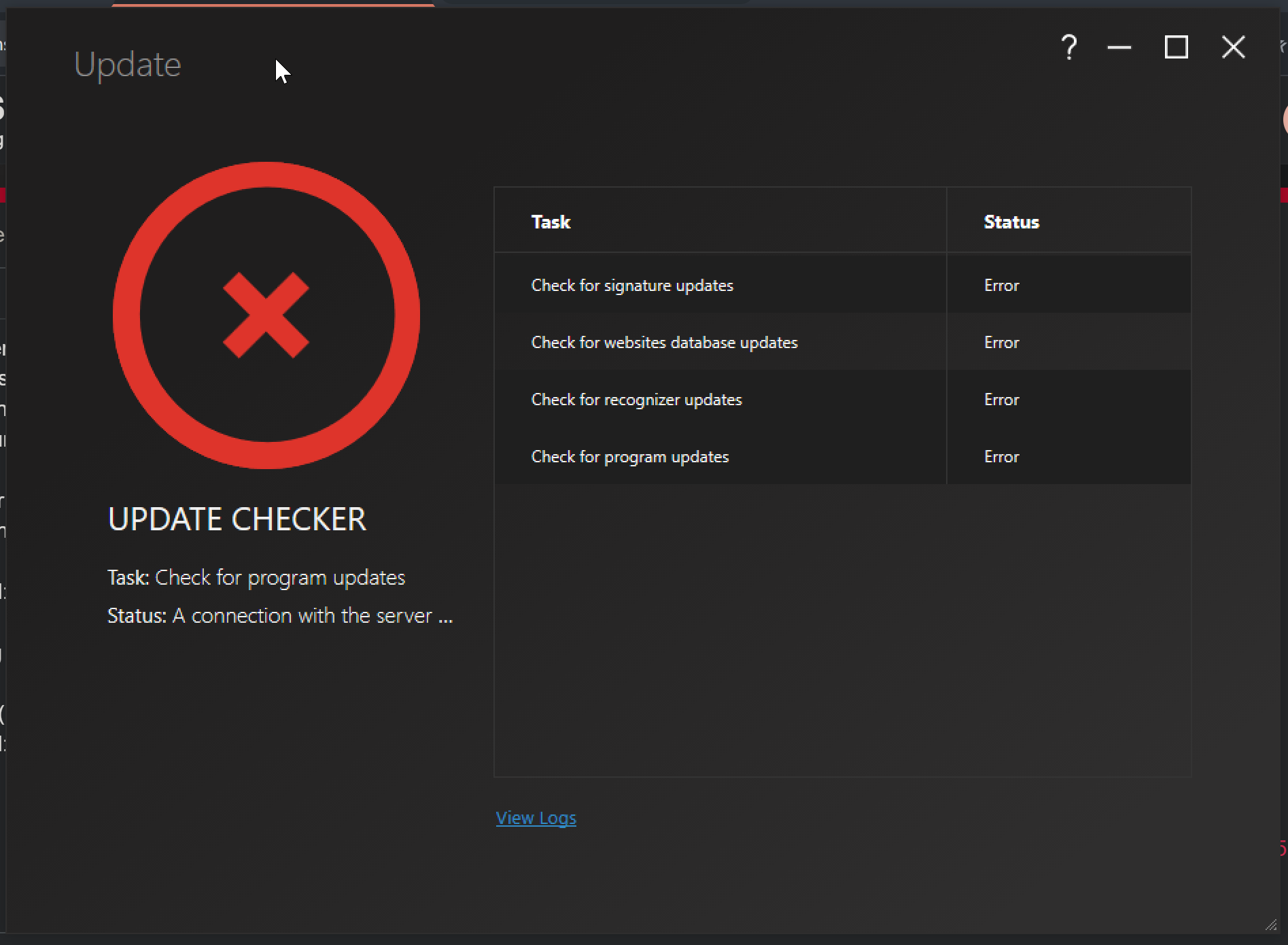
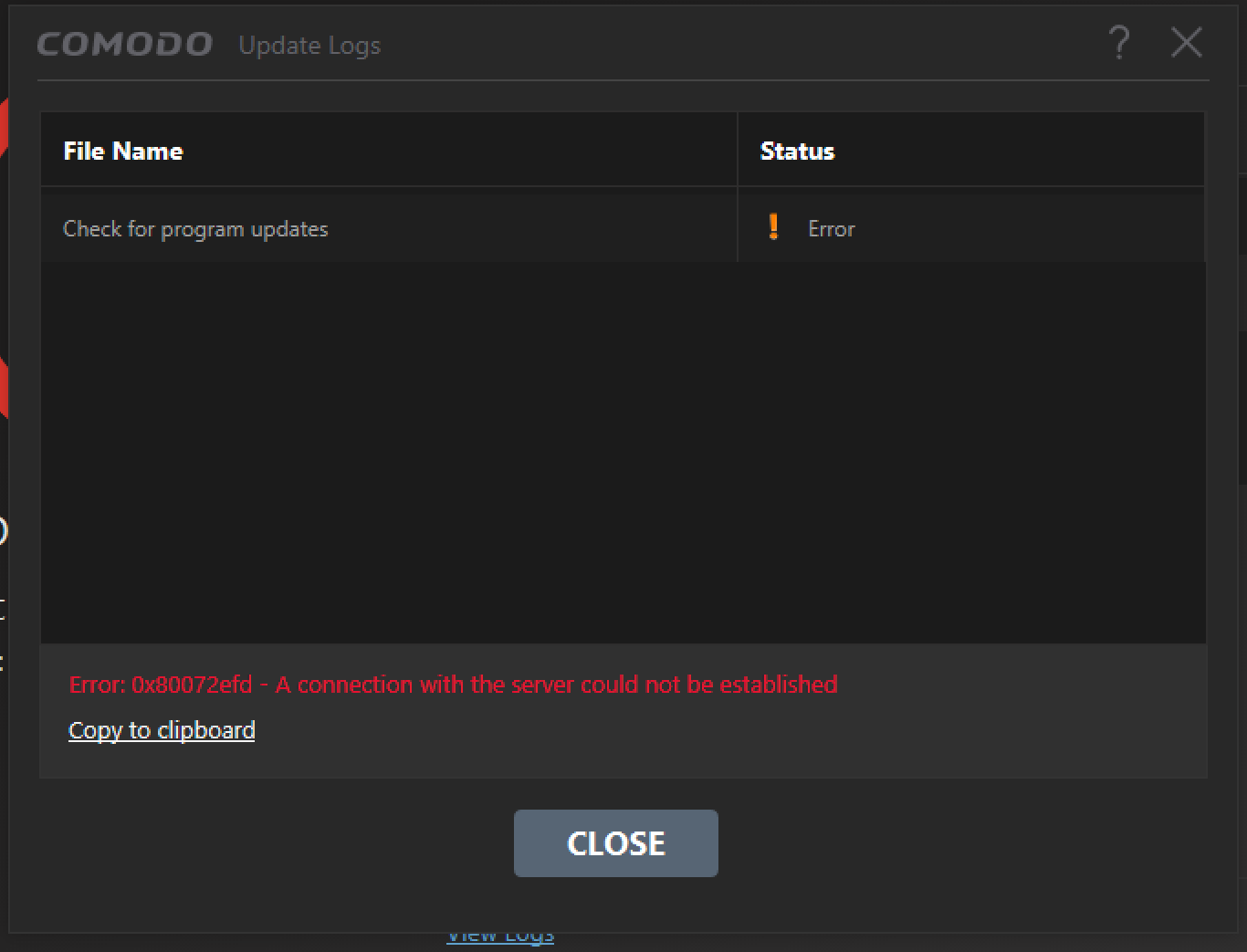
recently i’m experiencing difficulties checking for updates.
1 Like
The main window still gets frozen, bug still present, taking into account that i most likely have a malware in my computer. if you’re asking me, it would be clever to have a “shield” service that protects CIS from being tampered from silly attacks such as .dll injections or process memory modding. (DKOM?)
1 Like
CIS already has self protection when any process tries to access it’s files as is the case when you see the numerous Task Manager blocks.
I use the old Lycia Theme as I find it more informative than the newer UI.
1 Like
I see you discussing this and reaching the conclusion that this new COMODO theme is terrible at displaying information—unlike the old one—and that if COMODO creates other themes, they should make them better.
Fresh windows install and CIS, and still same bug, clicking activate just opens the dianostic tool which tells me to reboot and does nothing. diagnostic startup, msconfig