Comodo installed with Firewall & Auto-Containment active (actually with cruelsister’s recommended settings), alongside Windows Defender for AV. Acronis True Image (ATI) 2025 is also installed. Before enabling Auto-Containment, ATI used to work smoothly; afterwards, its scheduler service cannot start.
The relevant file, “C:\Program Files (x86)\Common Files\Acronis\Schedule2\schedul2.exe”, is explicitly trusted in the File Rating settings. Moreover, there’s a policy in Auto-Containment settings to Ignore said executable. This process opens a tree of a few more processes, all of which have a Trusted File Rating, as well. The relevant service is ArcSch2Svc but I don’t know whether it can be whitelisted in Comodo, and how.
Anyhow, apart from the timing of ATI breaking (i.e., after enabling Auto-Containment), I also checked the error thrown by ArcSch2Svc and it was “The RPC server is too busy to complete this operation”, therefore I suspected that in fact the Comodo FW was most probably the culprit. So, I took the following steps: I disabled Auto-Containment, I rebooted twice, launched ATI and it worked. I re-enabled Auto-Containment, and ATI kept working. However, if I reboot and Auto-Containment is enabled when the PC starts, then ATI will launch but its scheduler service won’t start regardless whether I later disable Auto-Containment or not. When Auto-Containment is enabled at boot time, then the ArcSch2Svc service won’t ever start, no matter what.
So my question is what I’ve been doing wrong or I might have overlooked, and thus rendered ATI non-working when Auto-Containment is enabled, and how I can combine these two in a usable state.
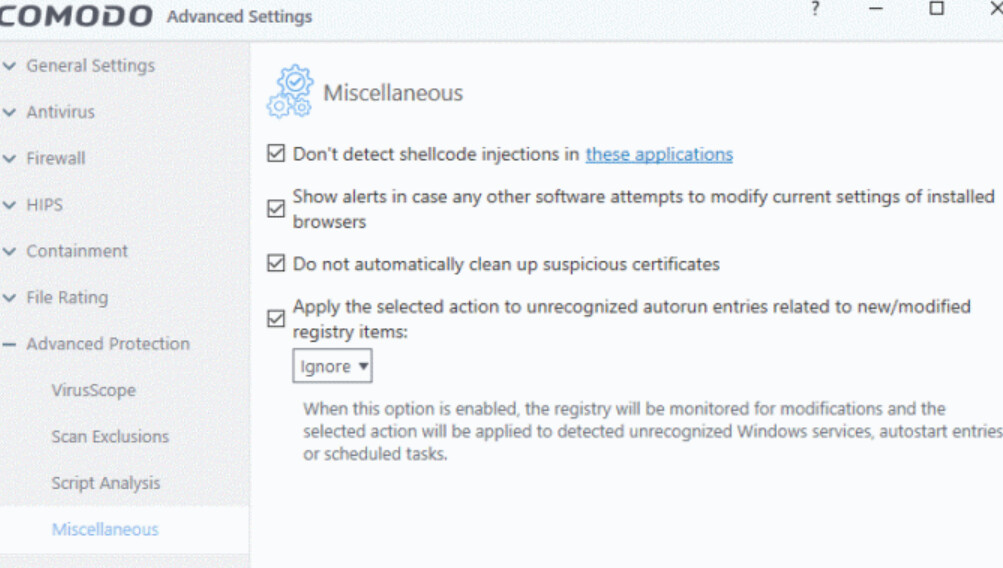
 I disabled Auto-Containment, rebooted twice (for some reason the first reboot after having disabled A-C still doesn’t allow AcrSch2Svc to start), and so I now had Acronis Scheduler running; I enabled A-C and went to Comodo FW Settings.