Introducing Comodo Internet Security 2027 V12.4.0.8170

Introducing Comodo Internet Security 2027

We’re excited to announce the release of Comodo Internet Security (CIS) 2027, bringing a more consistent, reliable experience to your endpoint protection. This release completes our transition from HIPS to EDR terminology across the CIS Agent — unifying naming across the interface, tray menu, and system messages — while also resolving key update reliability issues and installer inconsistencies to ensure a smoother setup and update process.

What’s New in This Release

EDR terminology update
What you can see: HIPS terminology throughout the CIS Agent — tray menu, settings, notifications, pop-ups, logs, and the About panel — is now labeled EDR (formerly known as HIPS).
What you can do: Continue using existing policies and configurations without interruption; only the on-screen naming has changed.
Why it matters: Aligns product terminology with Xcitium’s current naming across the platform, reducing confusion.

EDR menu visibility fix
What you can see: The EDR (formerly known as HIPS) option now appears correctly in the CIS tray right-click menu.
What you can do: Access EDR settings directly from the tray menu as expected.
Why it matters: Completes the HIPS-to-EDR terminology and menu consistency across CIS.

EDR terminology correction
What you can see: The confirmation message shown when resetting Script Analysis applications to default now reads EDR (formerly known as HIPS) instead of HIPS.
What you can do: See consistent EDR terminology across this dialog, matching the rest of the CIS Agent.
Why it matters: Completes the HIPS-to-EDR terminology alignment for a consistent product experience.

Update reliability improvement
What you can see: Program update checks complete successfully instead of failing with an error.
What you can do: Run CIS updates without encountering update-check failures.
Why it matters: Ensures your CIS installation stays current with the latest updates.

Installer naming fix
What you can see: Consistent product naming and version throughout the CIS Pro installer, including the Options and Components screens.
What you can do: Confirm you’re installing the correct product version without conflicting labels.
Why it matters: Removes confusing version mismatches during installation.

APPENDIX

NEW VERSION

  • CIS:12.4.0.8170

https://download.comodo.com/cis/download/installs/9090/standalone/cispro_installer.exe

If you have any questions or feedback, don’t hesitate to reach out. We appreciate your continued support and look forward to delivering more improvements!

11 Likes

Thank you for this good news. :slightly_smiling_face:

Edit: French information forum:

2 Likes

Great news!

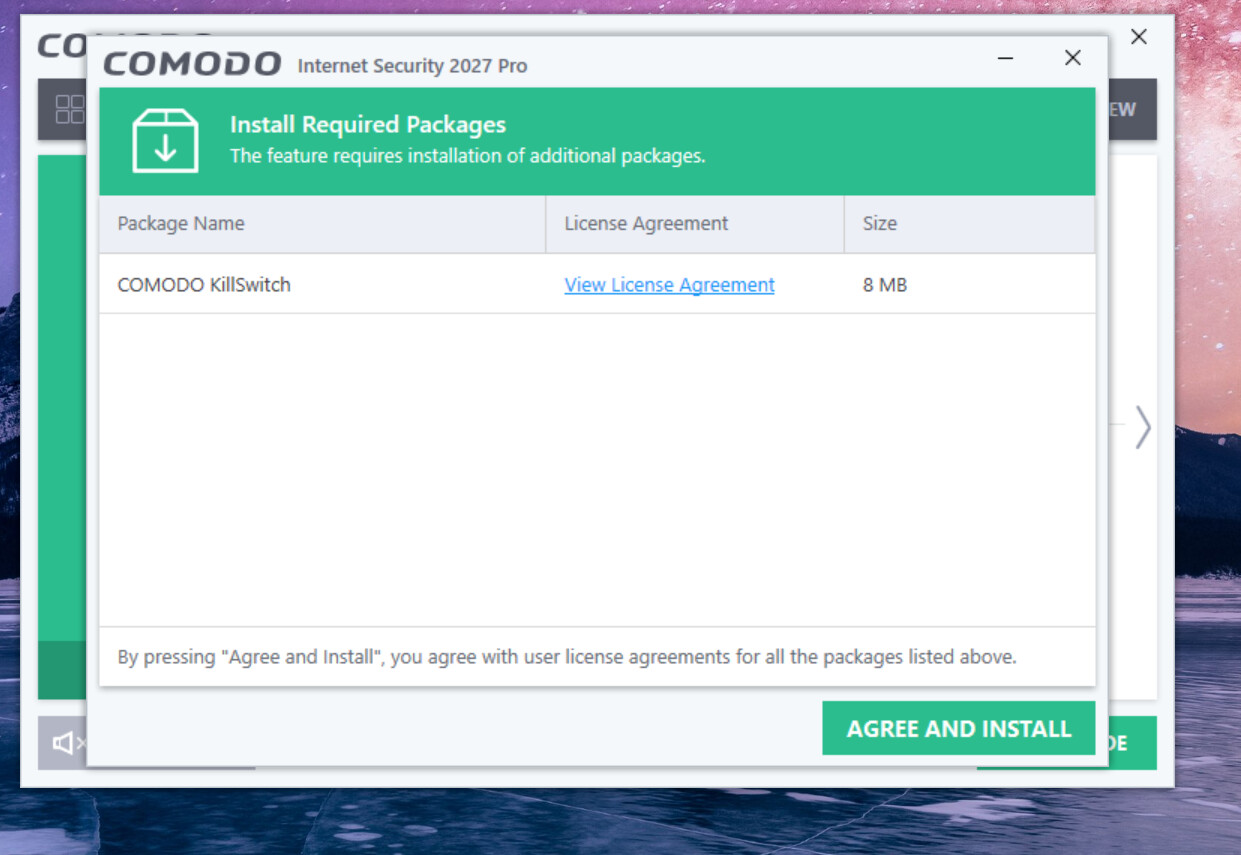
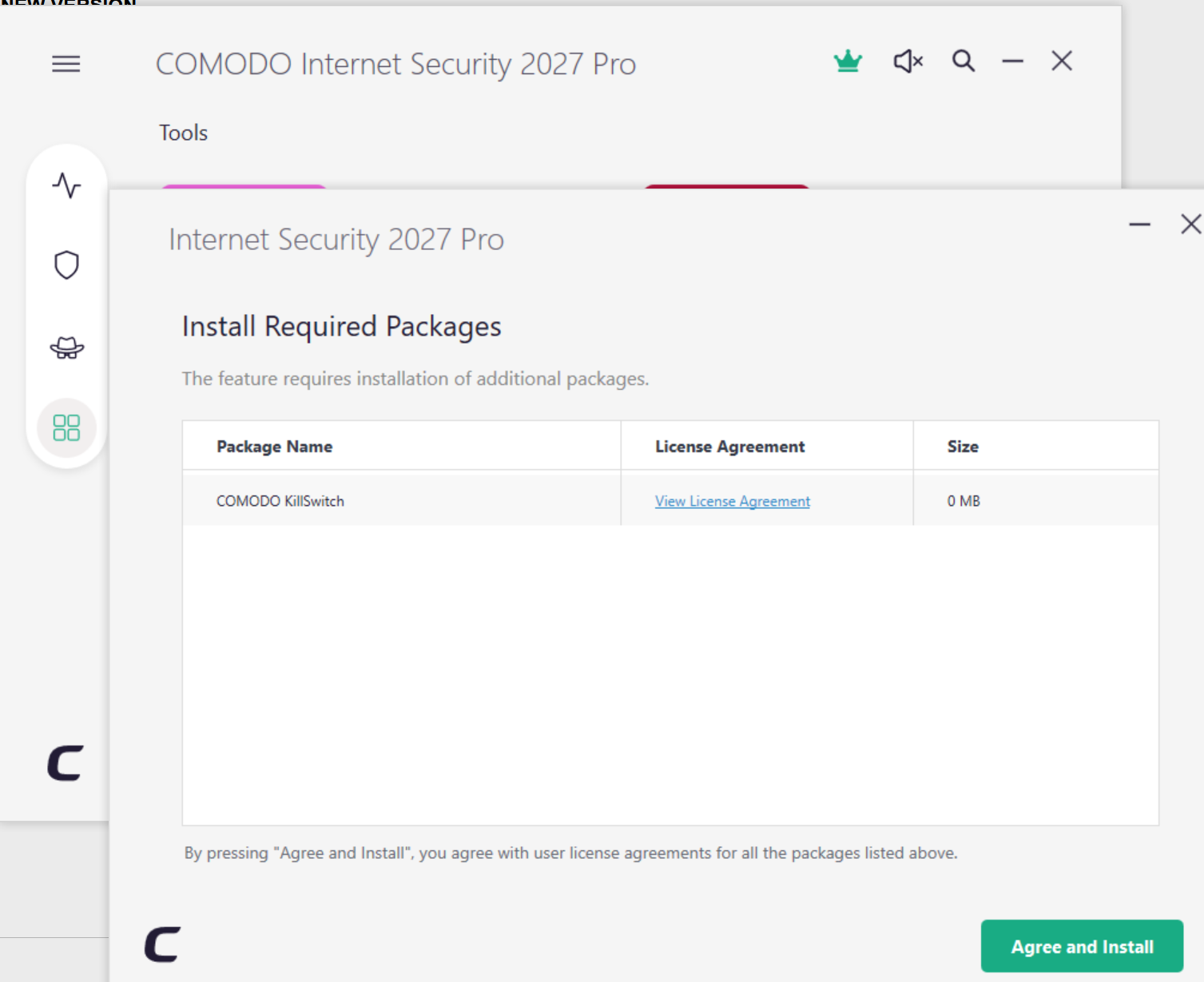
Killswitch installer needs copying over to the new update server as returning as 0MB and the install fails but otherwise running smoothly.

1 Like

Should this be installing simply as an update, or is there a link for it? Running CIS Pro and the update does nothing as yet

Found the installer and got everything running after a while. Imported Config and all looking good. Many thanks :grinning:

We are looking into this

1 Like

Installed and running smoothly. Very impressed so far - nice job

2 Likes

Hello,

What is the link to download this new free version?

Thank you.

Here is the link for the free version
https://download.comodo.com/cis/download/installs/9090/standalone/cispro_installer.exe

1 Like

Thank you.

Is it not possible to install just the firewall?

For any that may care- Normally I will wait for the Internal Updater to enlighten me to the new version, but as I wanted to use the 2027 version NOW I installed it on my production system (please note that in my case I had the previous version already installed). Further note that the below is for the Firewall Only Cruel setup.

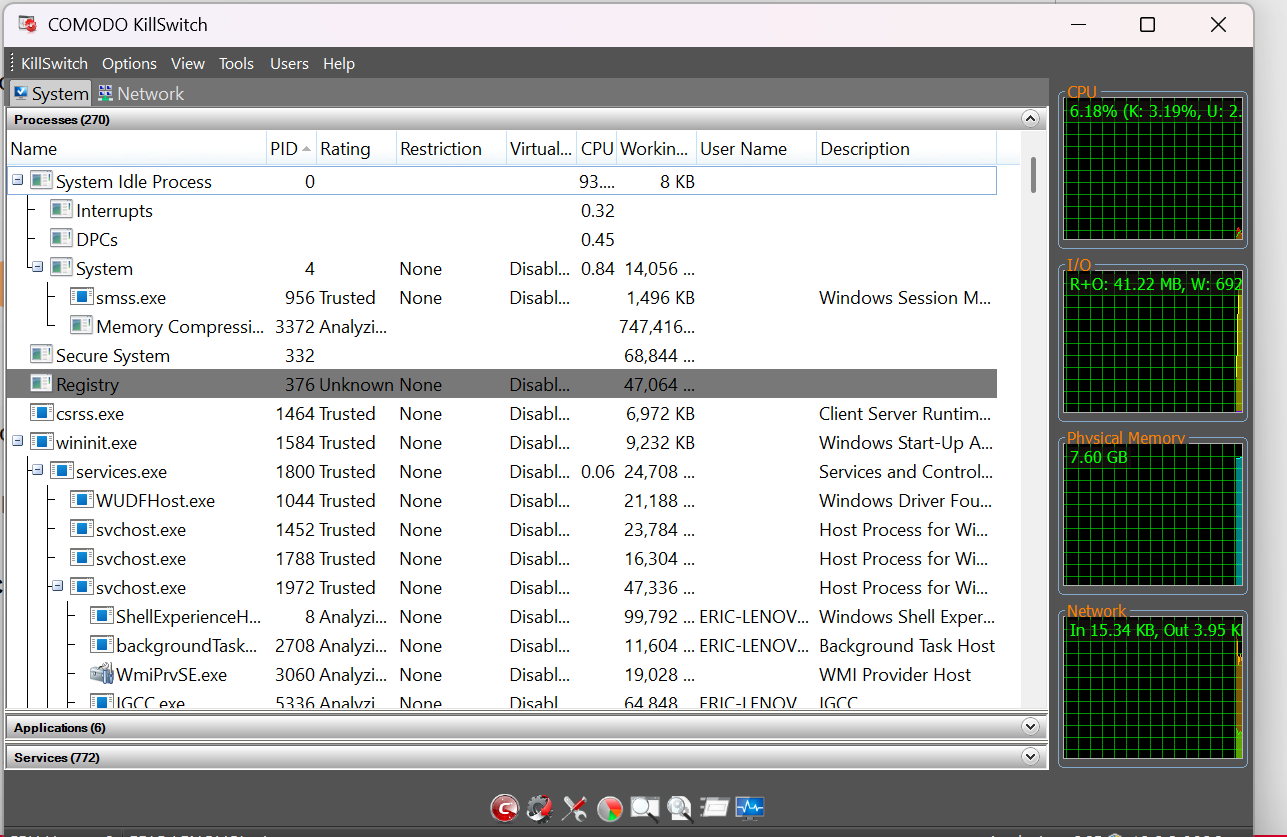
1). First off as I noted that just as in the previous version when initially released Killswitch can’t be downloaded (comes back with an error). However, as I also want killswitch to be available NOW, this is how to do it:

a. Assuming that you also still have the previous version installed, copy Killswitch.exe from the C:/Program Files/Comodo/Comodo internet Security directory to an USB drive

b. restart windows in Safe mode

c. copy the Killswitch.exe file from the USB drive back into the C:/Program Files/Comodo/Comodo internet Security directory,

d. Restart Windows normally

2). I Exported my Proactive Configuration

3). I uninstalled the previous Comodo version with HiBit Uninstaller, and after reboot I downloaded the 2027 version from here:

https://download.comodo.com/cis/download/installs/9090/standalone/cispremium_installer.exe

4). Ran the installer and De-selected the AV in the Components tab. Then installed and rebooted:

Upon reboot:
a. changed to Lycia Theme in User interface
b. The previously exported Proactive Security Configuration was Imported back into Proactive Security and Activated.

c. The rest of the settings are essentially the same as in my video- Firewall on Safe Mode, EDR (formally HIPS) disabled, Containment level Restricted.

Easy easy

m

4 Likes

Do you have any idea when this will be fixed? A new version was released, yet it already has this problem?
How is that possible?

It seems to be fixed already.

Fixed already as of probably within the last few hours. Just remember to run an update check from the basic menu so it installs the update that updates the Killswitch certificate.

1 Like

Fixed now, Thank you!

Does anyone have the changelog of what was implemented and fixed?

@New_Style_xd Only what’s been provided here. I know they were asking for issues with the previous version some months ago so one can presume a number of those were fixed. You’ll just have to test it out and report what issues you have here though the original topic poster may be able to confirm or assist if you have specific issues with this new version. I’m sure upcoming independent testers will discover if any of the past issues are still present but installed and running fine at this end.

I’ve seen no specific mention of a banking mode, is Comodo Secure Shopping compatible?

CSS got an Internet Banking Protection Test, Certificate for 2026 on AVlabs.

Secure shopping was removed from CIS (both free and paid) over a year ago, and is no longer being developed or supported.

2 Likes

Hello, the bug is still persisting…
I access the virtual desktop, but when I try to browse there, the Microsoft Edge browser fails to connect.
This error has existed for years.